

30.10.2025
Free project management tools vs. AI assistants: What brings more efficiency?
Discover how free project management tools improve your workflows — compared to AI assistants and which solution is really worthwhile.
The most important things at a glance:
- Structure vs. intelligence: We provide you with the 12 best free project management tools that give your team clear structures and then show you how an AI assistant solves many of these tasks more intelligently.
- AI as a personal project manager: Learn how generative AI creates project plans, analyses risks and generates status reports at the push of a button — often faster and more flexibly than any rigid tool.
- Rethinking efficiency: Discover how to not only manage tasks with an AI assistant like InnoGPT, but also proactively find solutions, increase creativity and really make your projects a success.
Are you also faced with the election? Should you on tried and tested free project management tools Set that give your team a rock-solid structure? Or is an intelligent AI assistant the true key to not only managing your projects, but also dynamically leading them to success? If you feel like you're spending more time organizing your tools than doing actual work, this is the place for you.
This article is your ultimate guide. We dive deep into the world of the best free project management platforms, from Trello to Asana, including screenshots, honest pros and cons, and direct links. But we are taking a decisive step further. We'll show you why an AI assistant is often the smarter, more flexible and more creative solution. Imagine a tool that isn't just a digital file folder, but a thoughtful partner who proactively makes suggestions and helps you promote collaboration and maintain productivity. Get ready for an efficiency boost that will revolutionize the way you work.
1st Trello
When you think of getting started in project management, Trello probably comes to mind — and with good reason! This tool is the epitome of simplicity and visual clarity. Trello turns your projects into dynamic Kanban boards that consist of lists (such as “To Do,” “In Progress,” “Done”) and cards. Each card represents a task that you can simply drag and drop between lists. This intuitive approach makes Trello one of the best free project management tools for individuals, small teams, or for organizing creative projects where a visual workflow is critical.
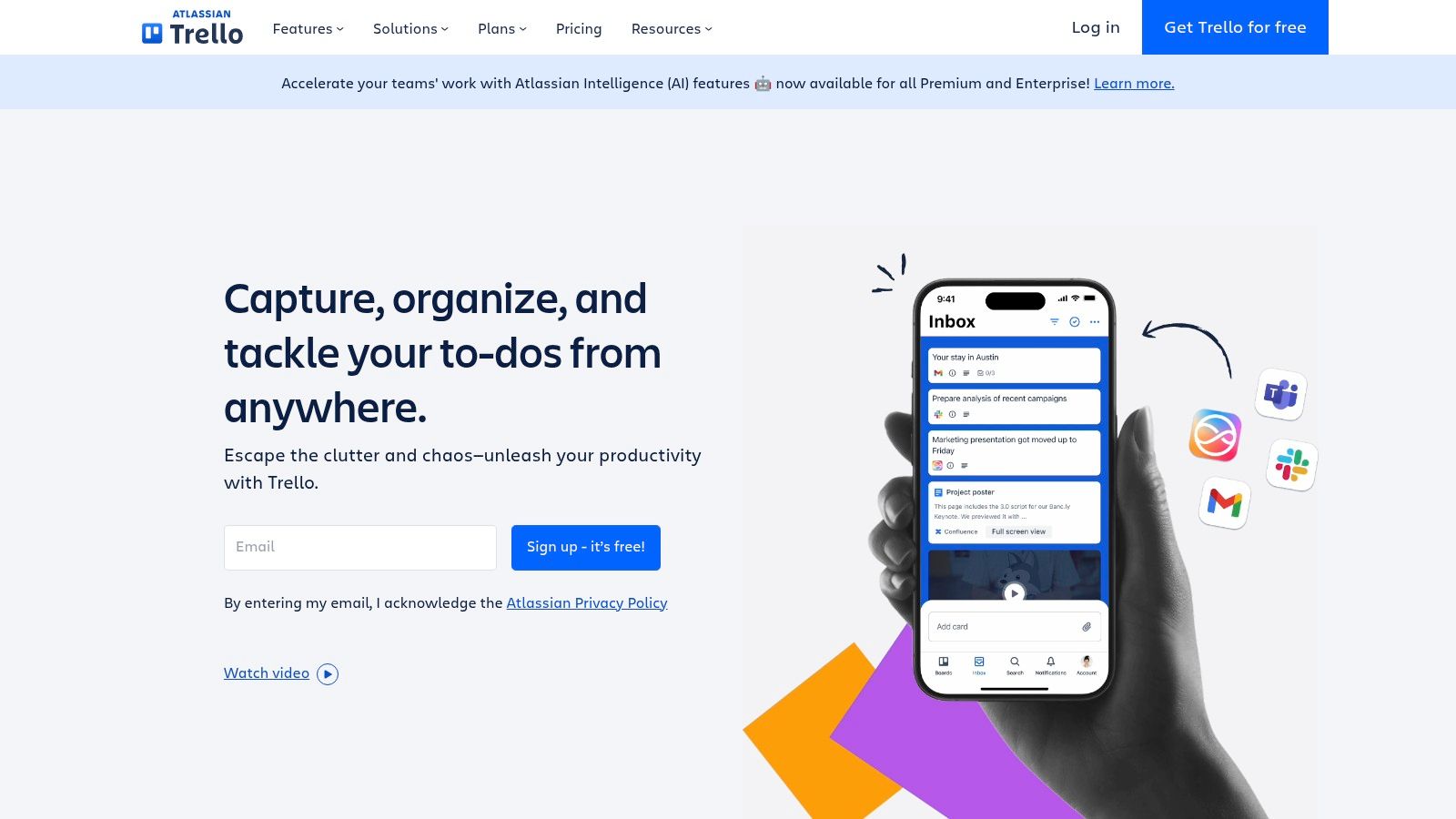
The free plan is amazingly generous and perfect to get started right away. You get up to 10 boards per work area, unlimited maps and a solid base of automation rules with the “Butler.” Trello shines with its huge ecosystem of templates and integrations (“power-ups”), which allow you to customize the tool to suit your needs. If you're curious how you can get more out of Trello, here are more Information about project management templates.
Pros and cons of Trello
Site: https://trello.com
2nd asana
When it comes to taking pure task management to the next level, Asana is an absolute power. The tool is perfect for teams that need more than just a Kanban board and want to create clear structures for their workflows. Asana elegantly combines list, board, and calendar views and allows you to see how your projects are progressing from different perspectives. It particularly shines when it comes to assigning tasks, setting deadlines, and tracking dependencies, making it one of the leading free project management tools for SMEs and ambitious startups.
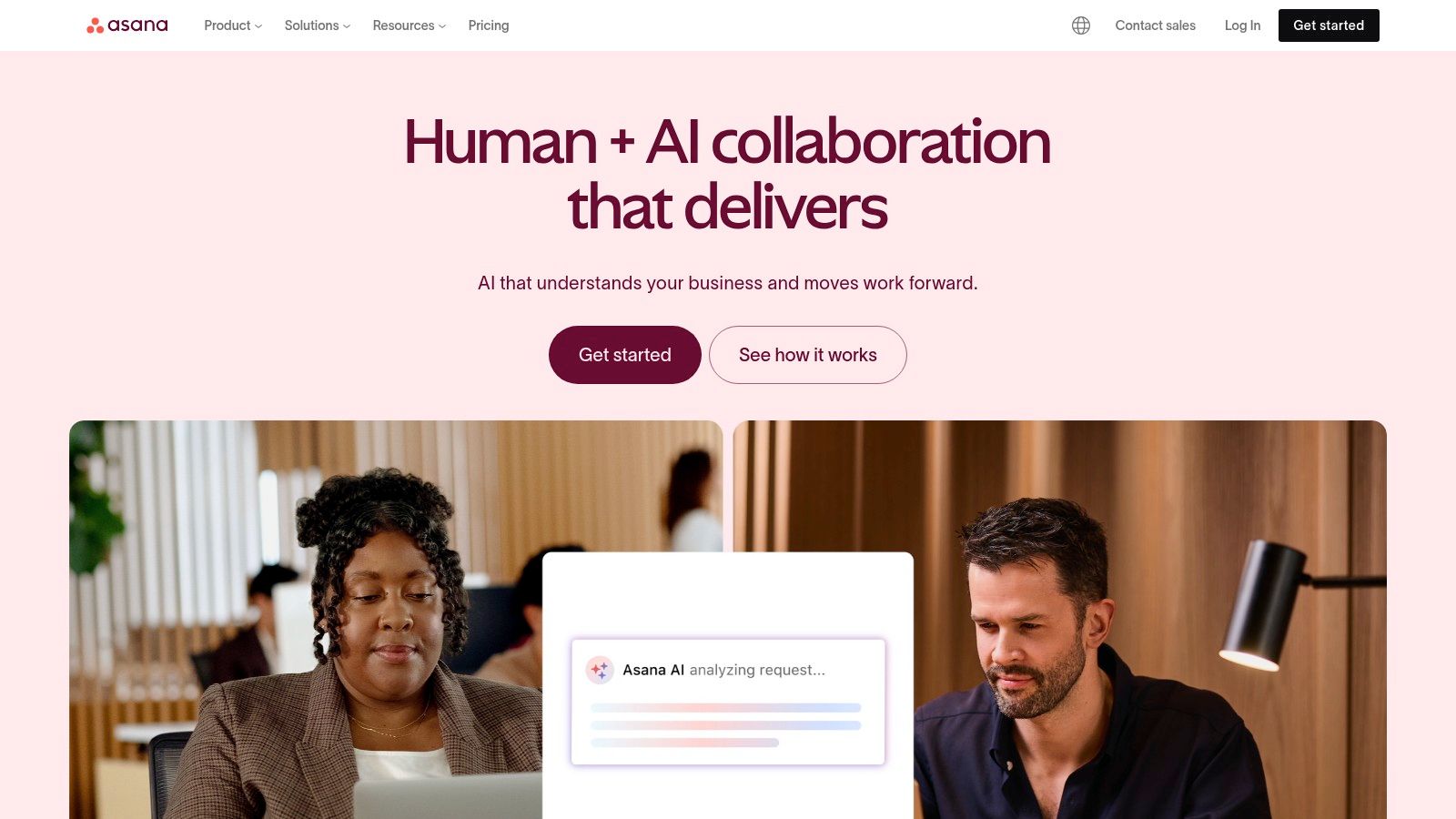
Asana's free plan is designed for teams of up to 15 members and offers unlimited projects, tasks, and storage. You'll also get access to basic reports and over 100 integrations to expand your workspace. Asana feels like a central nervous system for your team, where all tasks converge. The user interface is extremely tidy and ensures that even new team members can quickly find their way around and become productive. It is ideal for establishing a culture of accountability and transparency.
Pros and cons of Asana
Site: https://asana.com
3. Jira Software Cloud
When it comes to agile software development, there is no way around Jira. This tool is the undisputed industry standard for Scrum and Kanban teams and offers an enormous depth of functionality. Jira is designed to precisely map and control complex work processes, from brainstorming in the backlog to sprints to release. It goes far beyond simple task management and enables detailed issue tracking, the creation of roadmaps, and the automation of recurring processes.
Jira's free plan is ideal for small teams (up to 10 users) who want to dive into the world of agile methods. It already offers core features such as Scrum and Kanban boards, backlog management, and basic automation. Jira is particularly strong due to its seamless integration into the Atlassian ecosystem (e.g. Confluence, Bitbucket) and the huge marketplace with countless apps. If your team is growing and wants to establish professional agile processes, Jira is one of the most powerful free project management tools for the start.
Pros and cons of Jira Software Cloud
Site: https://www.atlassian.com/software/jira
4th ClickUp
If you're looking for a tool that not only does one thing well, but also has the whole arsenal of project management features, then ClickUp is your answer. This platform positions itself as “One app to replace them all” and lives up to this claim. ClickUp is much more than just a task manager; it's a comprehensive operating system for your work that combines tasks, documents, whiteboards, and Gantt charts in a single, highly customizable environment. This huge depth of features makes it one of the most powerful free project management tools on the market, ideal for teams that are growing rapidly and need a scalable all-in-one solution without having to pay immediately.
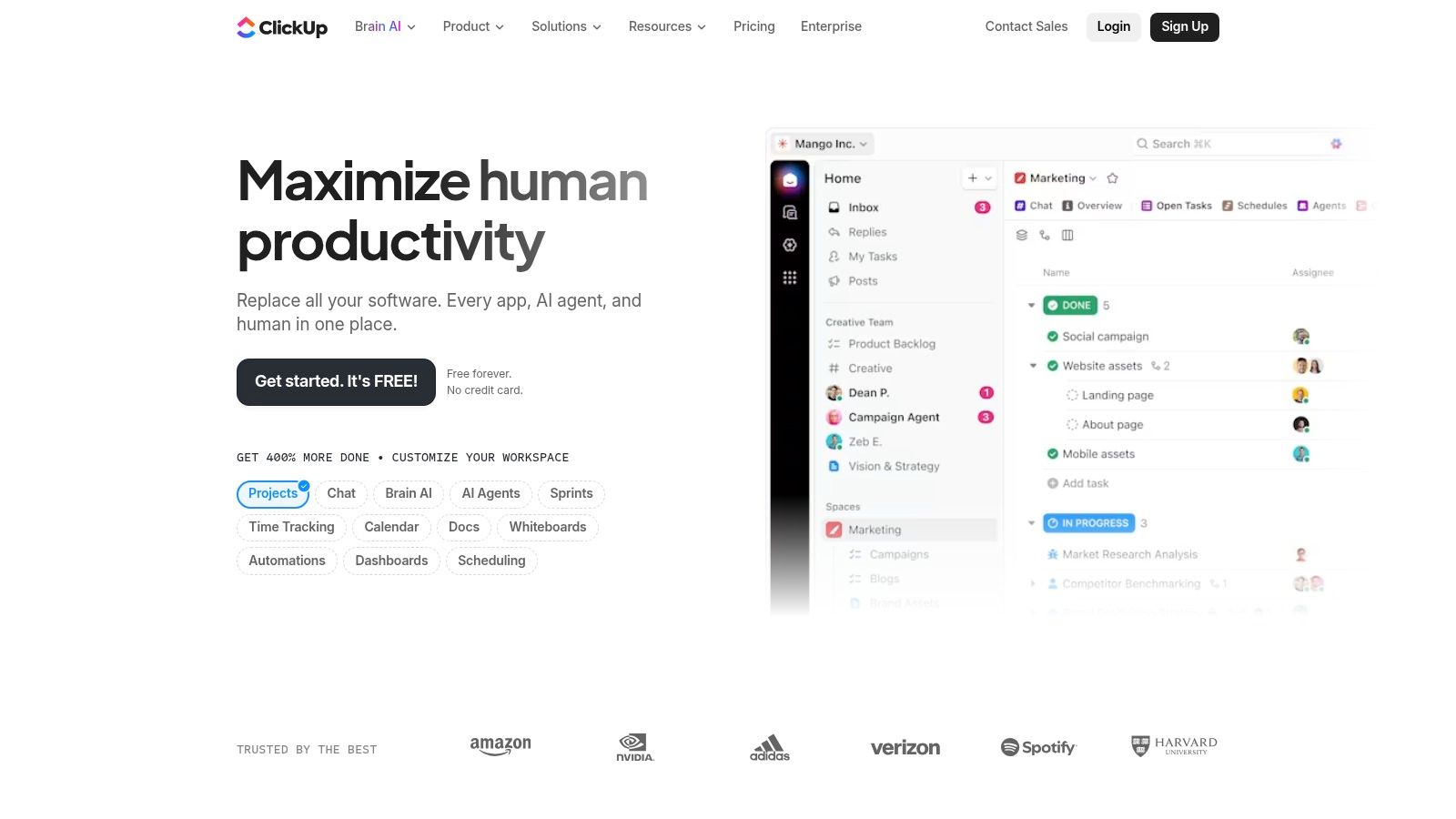
The free “Free Forever” plan is impressively extensive. You get unlimited tasks and members, various project views such as lists, boards, and calendars, and basic dashboards. ClickUp's true strength lies in its flexibility: You can adapt almost anything to your specific workflows, from custom fields to complex task relationships. While classic tools often just manage, an AI assistant can go one step further and proactively make suggestions. If you'd like to learn more about how ClickUp performs compared to other solutions, here's a detailed Project management software comparison.
Advantages and Disadvantages of ClickUp
Site: https://clickup.com
5th Monday.com
If you're looking for a tool that impresses with its polished interface and tremendous flexibility, then monday.com is your candidate. This “Work OS” (Work Operating System) goes beyond classic project management and aims to be the central platform for all work processes. With its colorful and highly customizable boards, which you can set up in no time with over 200 templates, monday.com offers an extremely visual and engaging work environment. It is one of free project management tools, which is particularly suitable for teams that are looking for a modern, intuitive and central solution for various tasks, whether in marketing, CRM or software development.
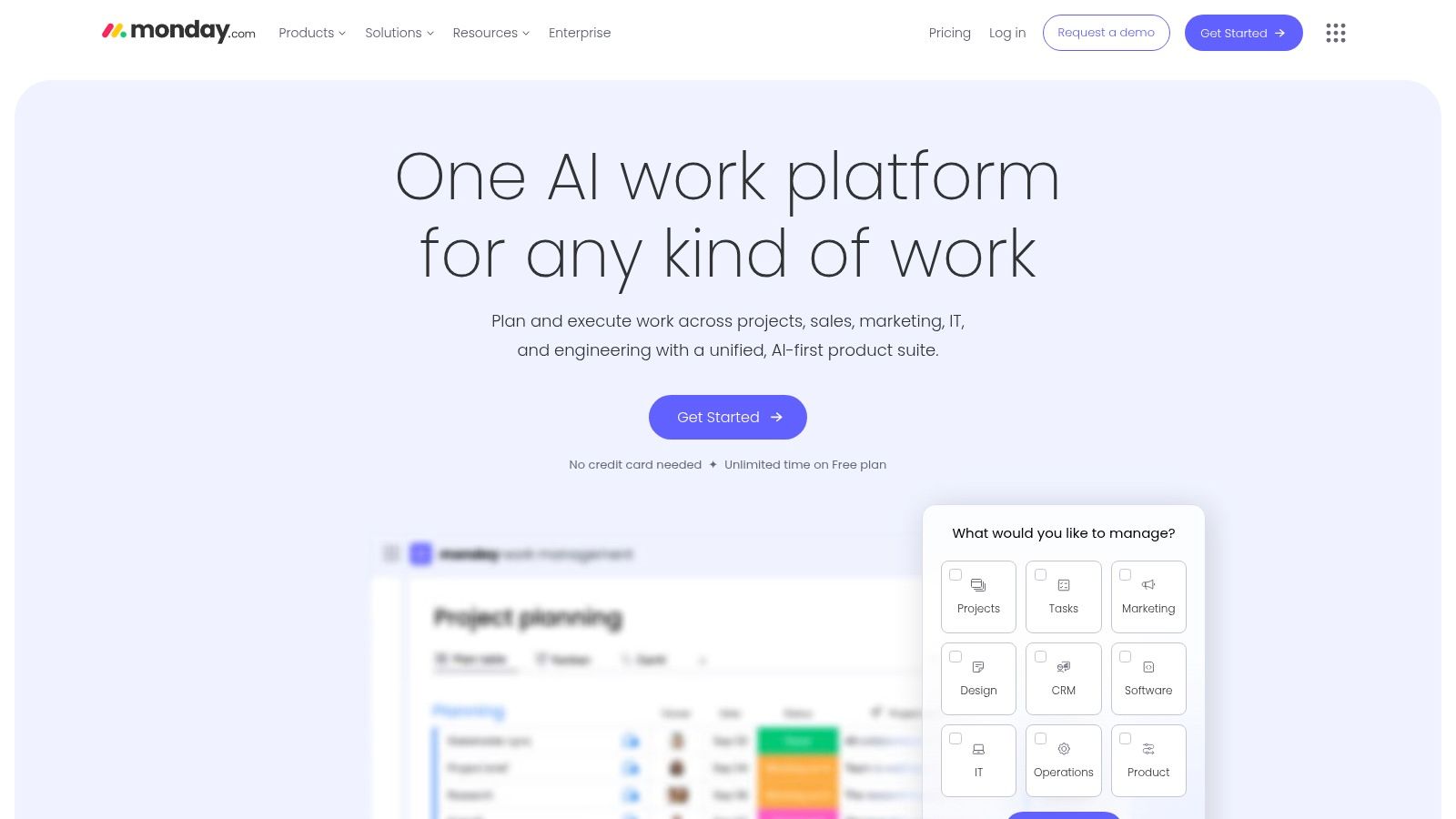
The free plan is ideal for getting a taste of the Monday.com world, but has clear limits: It is limited to a maximum of two users (seats) and three boards. For very small teams or personal projects, that may be enough to use the powerful boards, mobile apps, and integrated docs. However, the true strength of monday.com, such as the extensive automations and views such as Gantt charts or timelines, only unfolds in paid plans. Still, the Free plan provides excellent insight into one of the most visually stunning platforms on the market.
Pros and cons of monday.com
Site: https://monday.com
6. Wrike
As your team grows and your projects become more complex, you need a tool that scales with you. That's where Wrike comes in! Wrike is much more than just a task manager; it's a robust collaborative work management platform designed to handle demanding workflows. It combines the visual simplicity of boards with the data-oriented structure of tables and powerful Gantt views. This focus on customizable workflows and automation makes it one of the best free project management tools for teams that want to grow beyond simple to-do lists.
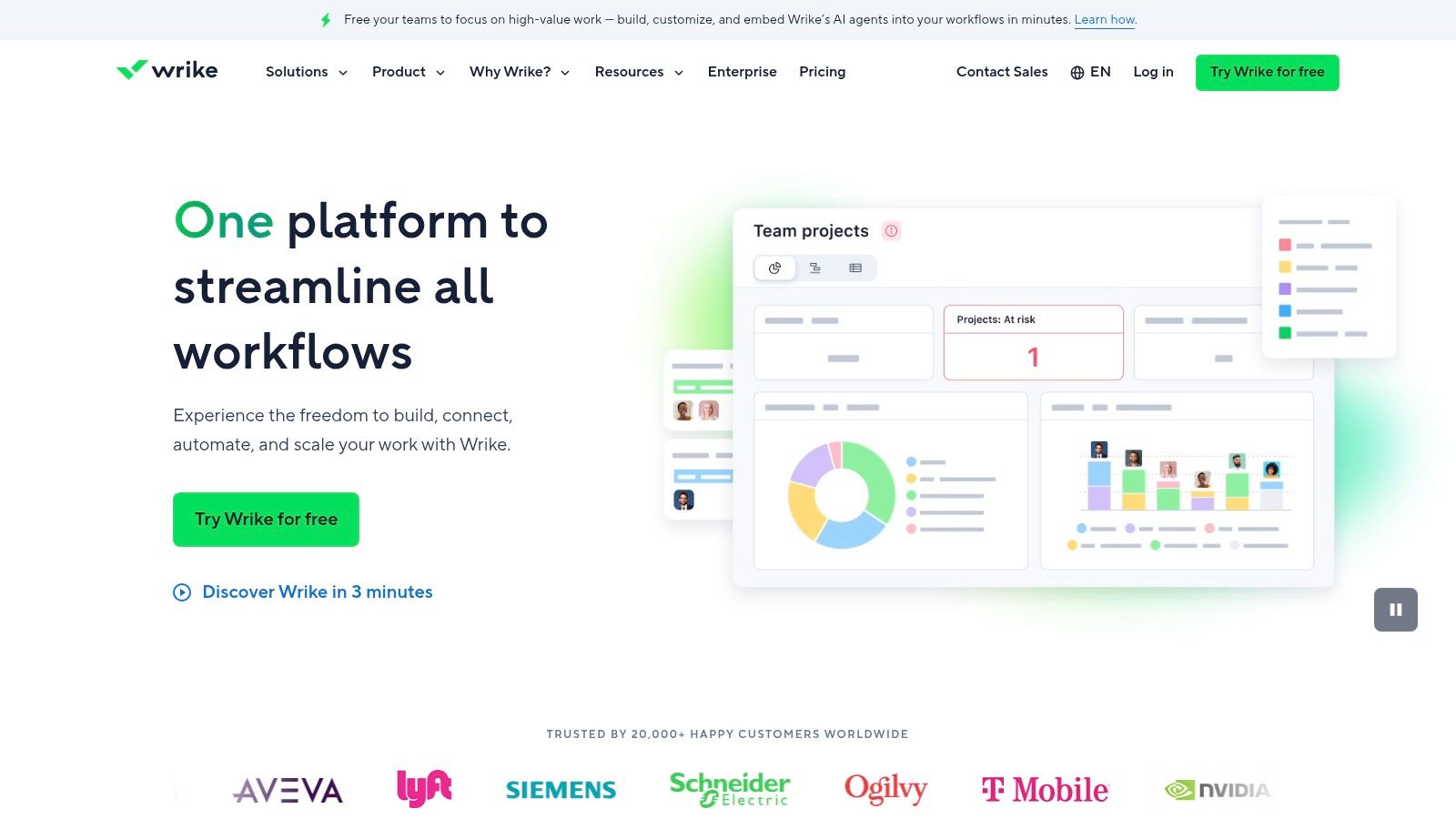
Wrike's free plan offers a solid start with unlimited users, which is fantastic for startups and smaller departments. You get access to board and table views as well as AI-powered task prioritization features. Wrike shines with his ability to provide different perspectives on the same data, so that every team member can find the right overview for themselves. It is the ideal solution for anyone who is looking for a central platform for tasks, projects and cross-team communication and wants to keep the door open for future expansions.
Pros and cons of Wrike
Site: https://www.wrike.com
7th MeisterTask
If you're looking for a tool that combines simple elegance with German efficiency, then MeisterTask is your first choice. As a European provider, MeisterTask attaches great importance to data protection and GDPR compliance, which is a decisive advantage for many companies. The user interface is extremely clean and intuitive, which allows you and your team to get started right away without lengthy training. Similar to Trello, MeisterTask uses visual Kanban boards, which are ideal for agile workflows. The seamless integration with MindMeister, the mind mapping tool from the same provider, makes it possible to transform creative brainstorming sessions directly into actionable project plans — a real highlight!
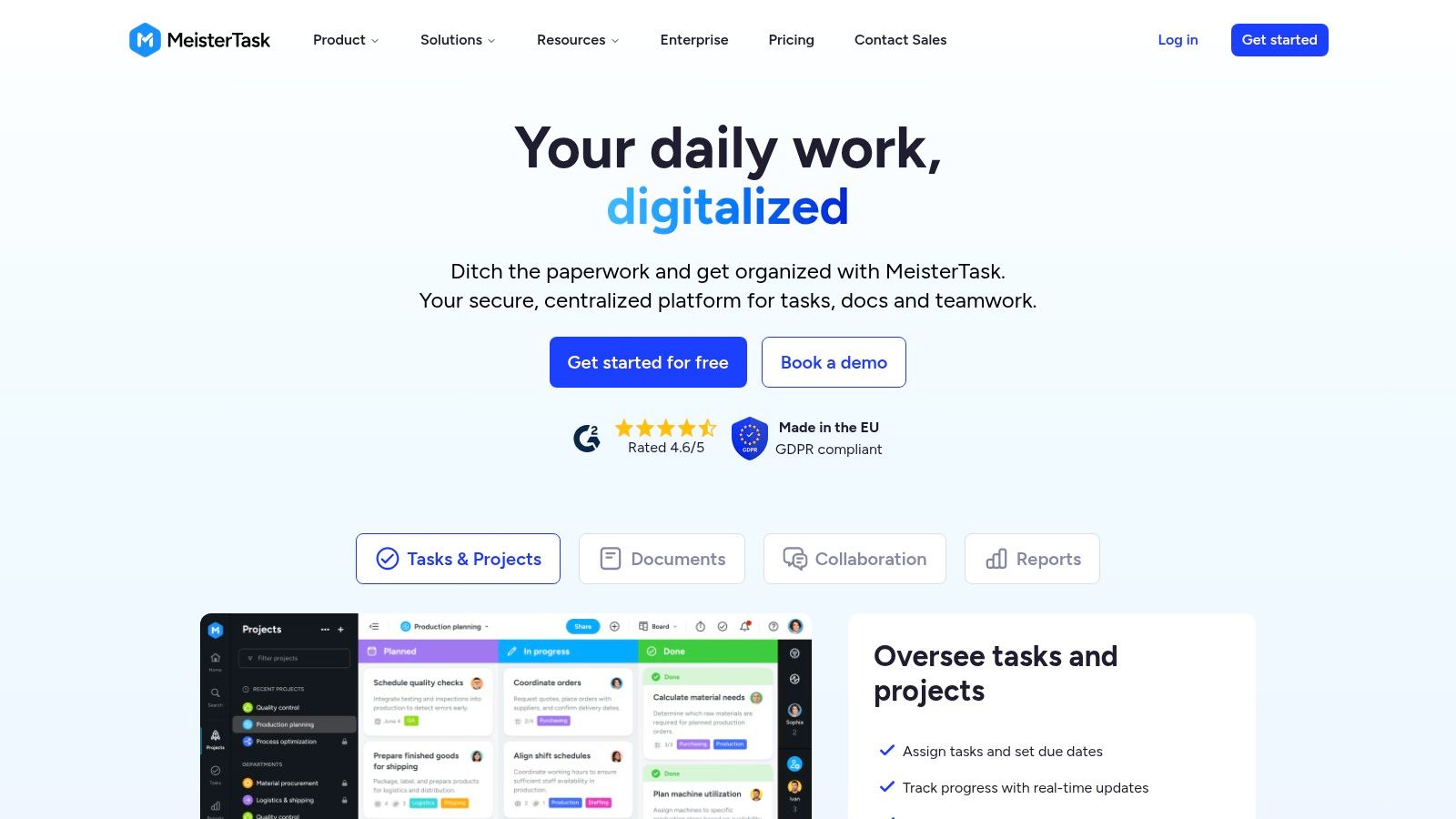
MeisterTask's free plan is for individuals or small teams who want to manage basic projects. You get up to three projects with unlimited tasks, which is often enough to get you started. You can also import tasks from tools like Asana or Trello, making the transition easy. MeisterTask is therefore one of free project management tools, which perfectly combines simplicity, clear aesthetics and data security and is ideal for anyone looking for an uncomplicated yet professional start to project management.
MeisterTask advantages and disadvantages
Site: https://www.meistertask.com
8th OpenProject
If data sovereignty and open-source principles are paramount to you, OpenProject is the answer. This tool is a powerful project management software developed in the EU, which is particularly aimed at teams who want to maintain full control over their data. The free community edition is self-hosted (“on-premise”), which means that you install it on your own servers. This not only gives you maximum security and GDPR compliance, but also unlimited users and projects — an unbeatable advantage for growing organizations that don't want to get into cloud dependencies.
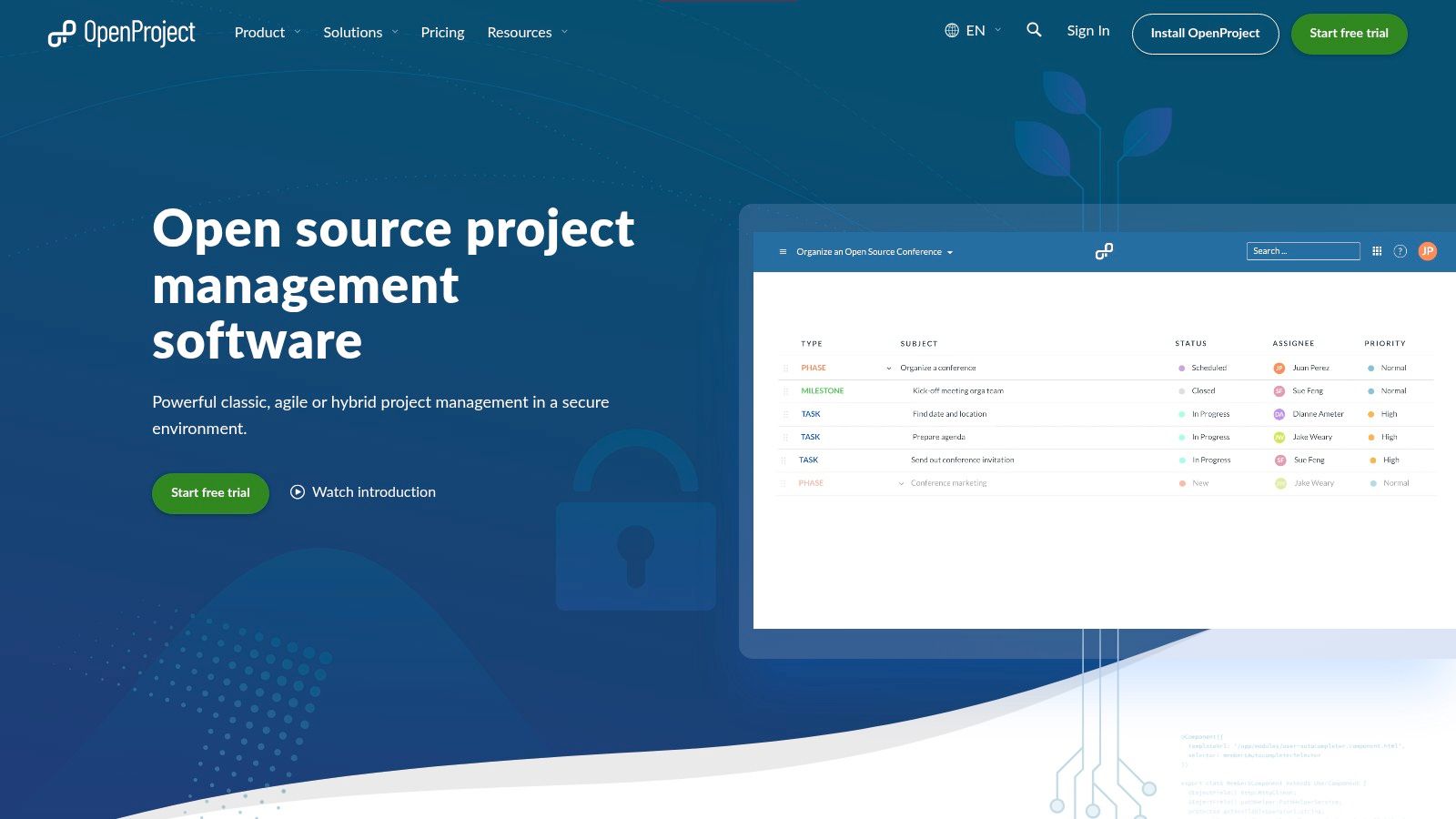
OpenProject offers an impressive range of classic and agile features, including Gantt charts, roadmaps, time tracking, and agile boards. It is one of the most comprehensive free project management toolsif you're ready to go through the administrative hassle of self-hosting For tech-savvy teams looking for a flexible and scalable solution that adapts perfectly to their own security standards, the OpenProject Community Edition is a first-class choice.
Advantages and disadvantages of OpenProject
Site: https://www.openproject.org
9. Zoho Projects
Zoho Projects is the perfect choice for teams that are already at home in the Zoho ecosystem or are looking for a classic project management tool with clear structures. It offers much more than just Kanban boards and focuses on proven methods such as tasks, milestones, and dependencies. If your team needs a robust tool for planning, tracking, and executing projects, Zoho Projects is one of the strongest options among the free project management tools, especially if you want to upgrade to a more comprehensive package later.
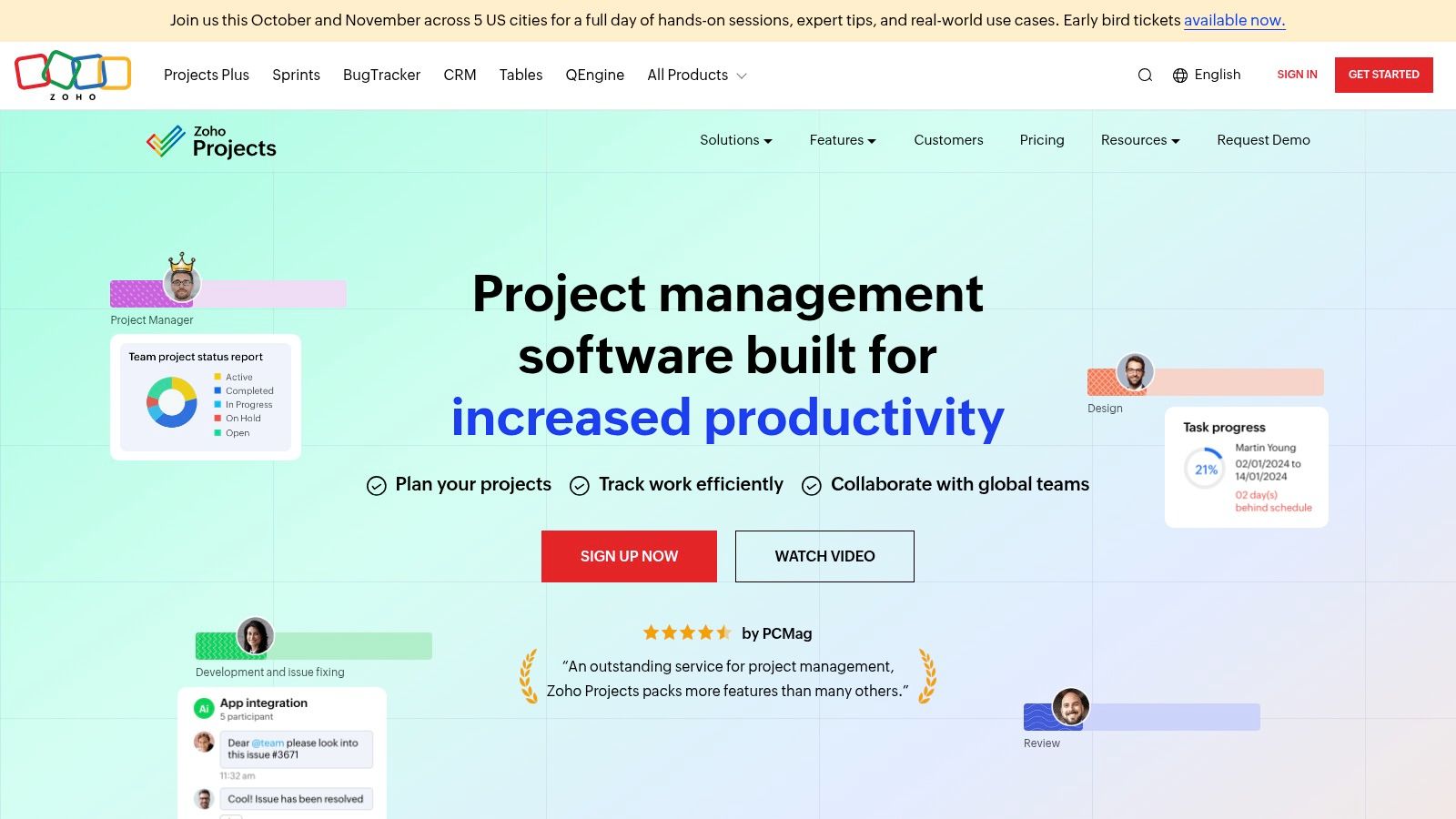
The free plan is aimed specifically at very small teams and startups. You get access to basic features like task management, a Gantt chart, and a mobile app to keep track of things even when you're on the go. However, Zoho Projects unleashes its true potential through seamless integration with other Zoho applications such as Zoho CRM or Zoho Desk. In this way, you create a central working environment in which all the threads come together. The cheap upgrade options also make it a scalable solution that can grow with your business.
Pros and cons of Zoho Projects
Site: https://www.zoho.com/projects
10th Airtable
Imagine being able to cross an Excel spreadsheet with the power of a relational database and the visual appeal of a modern PM tool. The result would be Airtable! This tool is much more than a simple spreadsheet; it's a highly flexible no-code platform that lets you build your own applications and workflows. Airtable is ideal when you need to manage not only tasks but also structured data such as customer lists, inventories, or content calendars. It turns your data into interactive “bases,” which you can display as a grid, Kanban board, calendar, or even as a timeline. This versatility makes it one of the most adaptable free project management tools for hybrid applications.
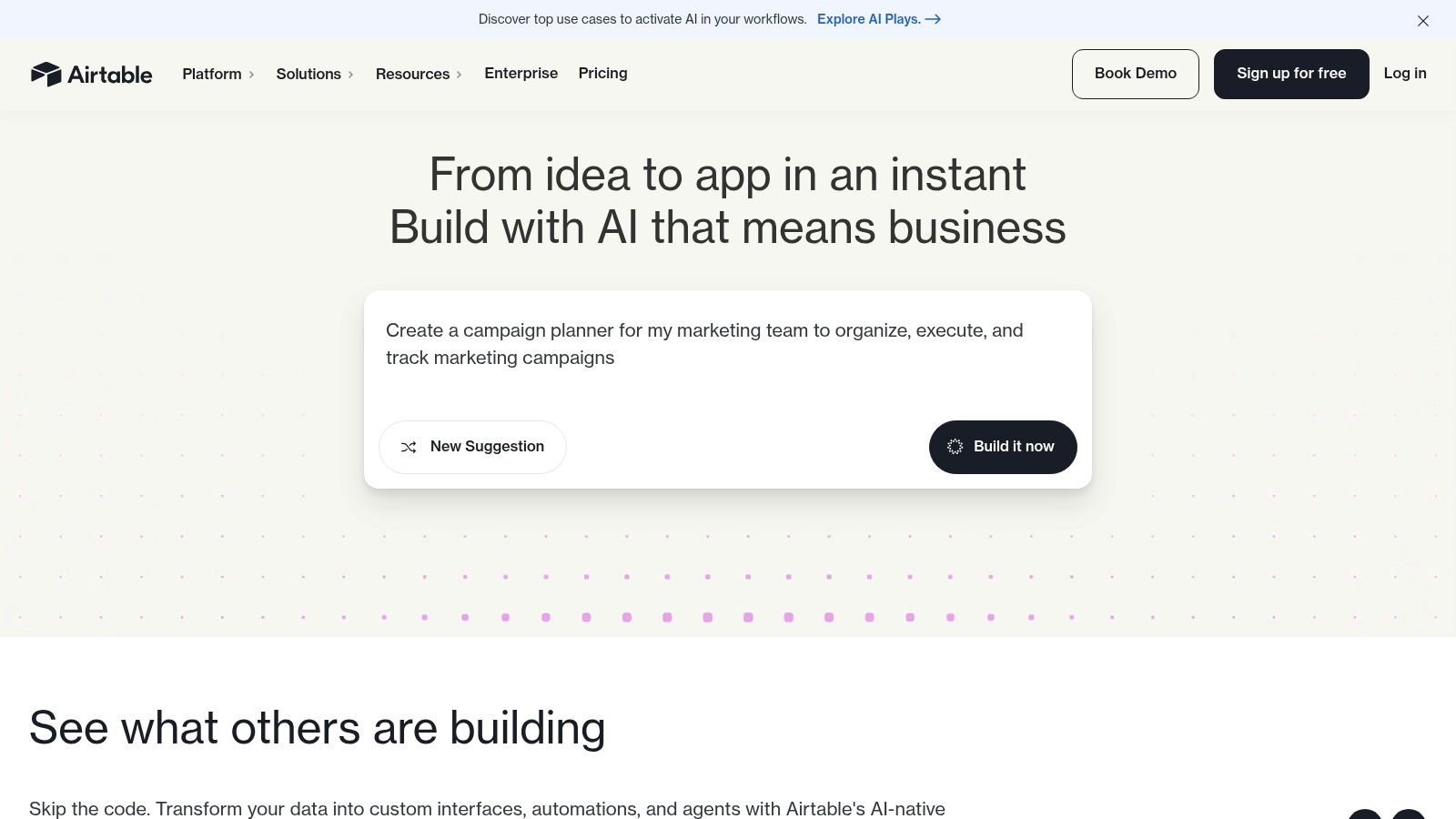
Airtable's free plan is a fantastic entry point to discovering the power of the platform. You can create an unlimited number of “bases”, get various views such as grid, Kanban and calendar, and can even set up simple automations. The limited AI credits, which allow you to integrate generative AI directly into your data workflows, are particularly exciting. However, note the limits: In the free plan, there are limits on the number of records per base, storage space for attachments, and version history.
Advantages and disadvantages of Airtable
Site: https://airtable.com
11. Bitrix24
If you're looking for a comprehensive all-in-one solution that goes way beyond traditional project management, Bitrix24 is an incredibly powerful option. This tool is not so much a single tool as a complete suite of companies. It seamlessly integrates task and project management with a CRM, internal communications (chats, video calls), cloud storage, and HR tools. This approach makes Bitrix24 one of the most comprehensive free project management tools for companies that want to bundle their entire collaboration in one central location.
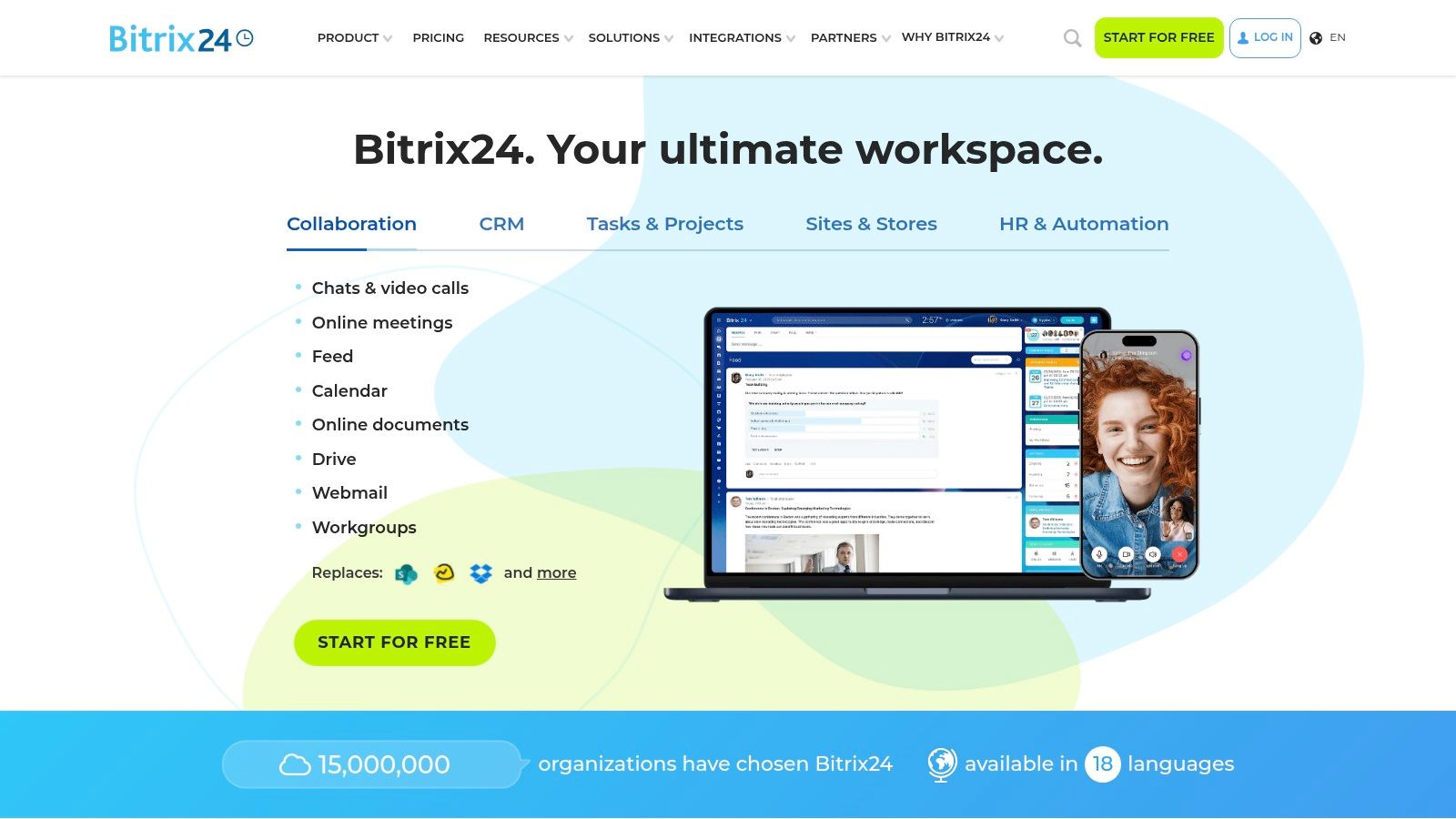
Bitrix24's free plan is particularly remarkable as it allows an unlimited number of users — a real game changer for larger teams or growing startups. Although storage space (5 GB) and some advanced features are limited, core functionalities such as task management with dependencies, Gantt charts, Kanban boards, and the integrated CRM offer tremendous added value. Bitrix24 is ideal for teams that need a single source of truth for all of their projects and customer interactions and are ready to get used to a multi-layered system.
Advantages and Disadvantages of Bitrix24
Site: https://www.bitrix24.de
12th taiga
For all development teams that live and breathe agility, Taiga is a real game changer! This open-source tool is specifically designed for Scrum and Kanban workflows and provides a lean, tidy environment that focuses on what's important. Instead of overloading you with redundant features, Taiga provides exactly the tools that agile teams need: backlog management, epics, user stories, and sprint planning. It is the perfect choice for teams who want full control of their processes without getting lost in complex software and is therefore one of the best free project management tools for software development.

The special thing about Taiga is its flexibility: You can either use the free cloud version or host the software completely free of charge on your own servers (self-hosting). The self-hosted option gives you maximum freedom and data sovereignty. The free cloud version is ideal for small projects to get started right away, but has certain limits. Taiga proves that powerful, agile project management doesn't have to be complicated or expensive and is supported by a dedicated open source community.
Pros and cons of taiga
Site: https://taiga.io
The AI difference: More than just managing tasks
Now that you know the best free PM tools, let's go a step further. All of these tools are fantastic for creating structure. They're like digital file folders — neat, reliable, but passive. They're waiting for you to create tasks, set deadlines, and update the status manually.
A generative AI assistant, on the other hand, is like an experienced project manager who not only organizes, but also thinks along, makes suggestions and proactively solves problems. It's the difference between “I'm managing your project” and “I'm helping you make your project a success.”
How generative AI is revolutionizing your project management
A decisive advantage: You can start using generative AI right away without having to laboriously feed in your own data first. The assistant uses huge language models to help you with a variety of tasks from day one:
- Create project plans: Describe your goal in natural language, and the AI will design a detailed project plan with phases, milestones, and tasks.
- Identify risks: Give the AI the project context, and it lists potential risks that you might have overlooked — from technical hurdles to communication issues.
- Generate status reports: Forget the hassle of clicking together information. A simple command such as “Generate a status report for the stakeholder meeting” is enough and you'll receive a professionally formulated report.
- Summarize meeting minutes: Record a meeting or include a transcription, and the AI extracts the most important decisions and action items.
- Optimize communication: Get emails written to stakeholders, team updates, or project announcements — always in the right tone.
- Improve time estimates: AI can suggest more realistic time estimates for complex tasks based on best practices and similar projects.
Practical comparison: The efficiency advantage of AI
Let's compare the two approaches directly to make the efficiency gains tangible:
Flexibility as an advantage: integration instead of rigid templates
The biggest advantage of an AI assistant is its flexibility. It is not bound to rigid templates or predefined workflows. It adapts dynamically to your project, whether it's an agile software development, a marketing campaign or an event.
An AI assistant like InnoGPT can be layered over your existing tools as an “intelligent layer” and enrich them with intelligence. Or he can completely replace many functions of these tools by solving tasks directly in the chat interface. It learns from your interactions and adapts to your company's processes and language. While classic PM tools only manage, AI can also actively suggest creative solutions, show alternative approaches and help you find new paths.
Conclusion: Choose the assistant, not just the folder
We made our way through the jungle of free project management tools fought and saw that there is a suitable solution for almost every need. From Trello's simple Kanban board to OpenProject's extensive open-source platform, these tools are fantastic for turning chaos into order. They are the digital file folders of our time: reliable, structured and essential for keeping track of things. But they remain passive. They're waiting for your input, clicks, and ideas.
But the real revolution in project management isn't an even better board or another Gantt chart view. The real transformation lies in proactive intelligence. This is where AI assistants come in and fundamentally change the rules of the game. Imagine that you no longer have to laboriously click together a status report from individual tasks. Instead, tell your AI assistant: “Create a concise status report for the marketing team on the 'Q3 campaign project, 'highlighting key milestones and current blockers.” A professional, perfectly formulated report is available seconds later.
This qualitative leap is the key difference:
- Classic tools manage what you give them. They organize your tasks and visualize your plans.
- AI assistants think along and create something new. They generate project plans, proactively identify risks, formulate meeting invitations, suggest alternative solutions and optimize your overall communication.
You no longer laboriously enter dependencies and milestones into a rigid template. You describe your goal in natural language, and the AI creates an agile or classic project plan that you can use as a starting point. You no longer stare at an empty field to write a risk assessment, but let the AI show you potential threats based on the project context.
Choosing the right tool therefore depends on your ambition. If you're just looking for a central repository for your to-do lists, the presented free project management tools It's an excellent choice. However, if you're looking for a real efficiency booster, a partner who not only does work for you, but also makes you smarter, faster and more creative, then there's no way around an AI assistant. It is the decisive step from pure administration to dynamic and intelligent project management.
Ready to make the leap from a passive manager to an active creator of your projects? Discover how InnoGPT can revolutionize your project management tasks and give you back the freedom to make strategic decisions. Test now on InnoGPTHow an AI assistant takes your efficiency to a new level.
Let me show you InnoGPT in 15 minutes.
Our managing director Mo is happy to take time for you!


