Creating AI Presentations: Why Pros Choose Multi-Model Platforms over Single Tools
Learn to use ChatGPT presentation creation effectively to produce compelling slides. Pro tips, templates, and best practices.

tl;dr:
- ChatGPT alone isn't enough: for professional business presentations, ChatGPT is a good start but quickly hits its limits on structure, depth, and consistency.
- Multi-model delivers better results: intelligently combining different AI models (e.g. Claude for structure, GPT-4 for creativity) leads to qualitatively superior presentations.
- Platforms bundle the power: specialized business platforms like InnoGPT integrate all relevant AI tools in one place, save enormous time, and ensure professional, consistent results.
You know the drill: an ultra-important client presentation is around the corner. You kick off motivated with ChatGPT to create a presentation. But pretty quickly you find yourself in total tool chaos. You juggle ChatGPT for the copy, maybe try Claude for a better outline, and fight with DALL-E for usable images. The result? One stylistic clash after another, an argument full of gaps, and above all: you lose your thread and valuable time.
This constant copy-and-paste between applications is not only frustrating but also extremely error-prone.
ChatGPT is like a top-tier screwdriver – unbeatable for one specific task. But for a professional presentation, you need the whole tool kit, a Swiss Army knife.
For a result that really convinces in daily business, you need more than just a single tool. You need an intelligent strategy.
Why you need more than just ChatGPT for your presentations
Let's get to the point: ChatGPT is just the beginning. For truly professional presentations, the combination of different AI models is the key. Specialized platforms like InnoGPT bundle this power and are the "one-stop shop" for pros.
The path to a professional, AI-supported presentation
In this guide, I'll show you step by step how to professionalize this process, save massive time, and lift your presentation quality to a new level. We'll look at why switching from many isolated individual tools to an integrated multi-model platform is the absolute game-changer for pros.
Instead of relying on the whims of a single AI model, you'll learn to harness the specific strengths of different generative AIs for you. Think of a platform like InnoGPT as your digital Swiss Army knife: all the tools you need for a brilliant, convincing presentation are united in one place. You can seamlessly switch between the best models to get the optimal result for every task – from structure through content to visualization.
The glass ceiling: why ChatGPT hits its limits with business presentations
Sure, ChatGPT is an insane tool that has really turned our daily work on its head. Need a quick draft? Bam, topic in, target audience defined, and in seconds you've got something on your screen. For a quick email or a social media post, that's worth its weight in gold.
But let's be honest: the moment it's about a really complex business presentation – the one that has to convince the board or secure the deal with the big customer – you very quickly notice where the journey with the jack-of-all-trades ends.
You've definitely experienced this: you ask ChatGPT for an outline of 20 slides on a deep technical topic. The first drafts still look decent. But by slide ten at the latest, the AI starts to falter. The thread gets lost, arguments repeat, and everything trails off into generic phrases that make every subject matter expert in the audience roll their eyes.
A generalist in a meeting of specialists
The real problem is quickly explained: ChatGPT is a generalist. The AI was fed an incredible amount of text from across the entire internet. That makes it incredibly versatile – it can write you a poem, help with coding, or explain quantum physics. But precisely this versatility becomes the Achilles heel in a professional setting.
For a presentation that really hits, you need exactly this:
- Deep subject matter knowledge: your content must be on point, full of nuance, and absolutely up to date.
- Rock-solid logic: the argumentation must run like a red thread through dozens of slides, without a hitch.
- The right tone: the language must be precisely tailored to the expectations and knowledge of your audience.
ChatGPT alone struggles to consistently deliver these three points at a high level. The content often feels interchangeable and simply lacks strategic depth.
The right tool for each task
And here we come to the decisive point: not every AI is the same. Different generative AI models have different strengths because they are based on different architectures and training data.
Trying to build a highly professional presentation with ChatGPT alone is a bit like trying to cook a gourmet menu with only a microwave. You get something warm on the plate, but you won't win a Michelin star with it.
Other models shine exactly where ChatGPT hits its limits. Claude from Anthropic, for example, is often vastly superior when it comes to creating complex and logically watertight outlines. GPT models, on the other hand, are often unbeatable at creative brainstorming or when it's about telling an emotional story.
So anyone stubbornly clinging to ChatGPT is always making a compromise. For results that really leave an impression, you need to cleverly combine the strengths of the various AI specialists – the right pro for every work step.
The multi-model approach for superior results
You've probably already noticed: when it's about really demanding business presentations, you quickly hit a glass ceiling with ChatGPT alone. The answer is the multi-model approach: instead of relying on a single universal tool, you bring the best specialist on board for each task.
Why juggling individual tools is doomed to fail
You know the feeling – constantly switching between tools... Sure, you could just get started and create accounts at ChatGPT, Claude, DALL-E, and maybe two other AI services. But honestly: that's the direct path into chaos.
- Enormous time sink: the eternal switching between tabs, the constant copying, pasting, and re-explaining the context to every tool … it robs you of incredible amounts of time and the last of your nerves.
- Stylistic patchwork: every model has its own "personality." In the end, you often have an inconsistent mishmash in which the tone of the text and the visual language don't match at all.
- Loss of the common thread: with all this back-and-forth, you quickly lose the overview. The strategic direction of your presentation suffers and your core message gets completely watered down.
This fragmented approach is not only inefficient but also extremely error-prone.
The solution: a central one-stop shop
This is exactly where platforms like InnoGPT come in. They're like your digital Swiss Army knife for AI. Instead of wrestling with countless individual tools, you have the best AI models on the market in one central place and can seamlessly switch between them. Need a rock-solid, logical outline? With one click you pick Claude 3 Opus. Right after that, you want creative, compelling content? Simply switch to GPT-4.
A multi-model platform is not a compromise, but the targeted use of each model's peak performance. You combine the analytical strength of one model with the creative power of another, achieving a quality that no single tool could ever deliver.
This integrated way of working not only makes you many times faster but also ensures impressive consistency and quality of your results.
Which AI model for which task?
To make it easier to get started, here's a small overview of which model is best for which part of your presentation.
AI modelGreatest strengthIdeal use case in the presentationWhat to watch out for**GPT-4 (OpenAI)**Creativity & language fluencyGenerating captivating slide copy, emotional storytelling, brainstorming core messages.Sometimes tends toward longer, flowery phrasing that you'll need to trim down for the slide.**Claude 3 Opus (Anthropic)**Structure & logicCreating detailed, logically consistent outlines across many slides. Summarizing long documents as a basis.Can sometimes feel a bit "drier" than GPT models on purely creative tasks.**DALL-E 3 (OpenAI)**Image generation & style consistencyCreating high-quality, thematically fitting images, icons, and graphics for your slides.Requires precise prompts to hit exactly the desired mood and style.**Gemini (Google)**Data analysis & researchPreparing data for charts, researching current facts and trends to back up arguments.Strength lies in its connection to Google Search; for purely textual creation, others are often stronger.The growing popularity of these tools is unmistakable. According to a Forsa survey, 53 percent of Germans had already used generative AI applications at least once. If the topic interests you, you can find more insights on AI usage in Germany at tuev-verband.de. The multi-model approach is your strategic decision for quality and efficiency.
Your practical guide: 6 steps to the perfect AI presentation
Enough theory – now it's practical! In this masterclass, I'll show you how to create an impressive presentation using the versatility of different AI models. Everything flows together on a platform like InnoGPT, because only then do you achieve maximum efficiency and quality.

1. The foundation: define target audience and core message
Before you touch a single slide, the basics have to be right. Who are you speaking to? What is the one message that should stick? An analytically strong AI model helps you answer these questions with razor-sharp precision.
Example prompt for audience analysis:
"I'm creating a presentation for B2B customers in logistics. My contacts are logistics directors under cost pressure. Analyze their typical pain points and goals. Give me 5 key points I need to address in my presentation."
2. The framework: a rock-solid outline with Claude 3
With a clear objective, we move on to the structure. A logical outline is the backbone of your story. Here, Claude 3 Opus is often the best choice because it brilliantly understands long contexts.
Example prompt for the outline:
"Based on the audience analysis: create a detailed outline for a 15-slide presentation. Topic: our new software 'LogiFlow' for AI-based route planning. Use the Problem-Agitation-Solution framework. Each slide needs a title and 3–4 bullet points."
If you want to dig deeper into how to build a complete AI presentation, check out our blog post.
3. The content: creative slide copy with GPT-4
The framework is standing, now we fill it with life! For writing the slide copy, we switch to GPT-4, whose strength lies in creativity and linguistic elegance.
Example prompt for a single slide:
"Write the content for slide 5: 'The hidden costs of inefficient route planning.' The tone should be emotional but professional. Start with a rhetorical question, then present three surprising statistics. The text must be short and punchy."
4. The visuals: visually convincing with DALL-E 3
A presentation without images is like cinema without sound. To anchor your messages visually, we use an integrated image AI like DALL-E 3. The pro trick: a consistent visual style.
Example prompt for consistent images:
"Create a professional image for a business presentation in a minimalist flat vector style. Use the brand colors blue (#005A9C) and gray (#EAEAEA). The image should show a stressed logistics manager staring at confusing maps."
5. The facts: make data understandable
Nobody wants walls of numbers. Let the AI do the prep work and turn raw data into understandable messages for a chart.
Example prompt for data preparation:
"I have raw data on efficiency gains: customer A: 15%, customer B: 22%, customer C: 18%. Formulate a punchy headline and a short summary for a bar chart showing these successes."
6. The polish: tone and trimming
Almost done! At the end, let a fresh AI perspective run over your presentation. A different model can work wonders at uncovering stylistic breaks or overly long sentences.
Pro tip:
Copy the entire text of your presentation and give the AI this instruction: "Analyze this text for tone. Rigorously shorten all sentences longer than 15 words without losing information. Find technical jargon and suggest simpler alternatives."
What professional tools do better than the free version
When a presentation really has to hit the bull's-eye, it's about team collaboration, a unified brand appearance, and data security. This is exactly where consumer tools like the free ChatGPT version reach their limits. Professional platforms like InnoGPT are built exactly for this process.
Teamwork without friction
A strong presentation is the result of teamwork. Business platforms solve the classic email chaos. Here several people can work on the outline simultaneously, contribute ideas, and optimize content in real time. Everyone on the team accesses the same knowledge base and the same AI models.
A brand appearance cast from a single mold
How do you make sure every presentation carries the unmistakable voice of your brand? Professional AI platforms play their strength here:
- Reusable prompt templates: create the perfect prompt once and make it available to the whole team.
- Central style guides: upload your company guidelines for tone and language. The AI is trained on them to phrase every text on-brand.
- One for all – the knowledge base: everyone uses the same approved company documents as a foundation.
If you want to dig deeper into how to build a compelling story for investors, check out our guide on pitch deck creation.
Security per GDPR and for enterprise requirements
Perhaps the most important difference: how your data is handled. Every time you type sensitive company data into a free online tool, you hand over control. You can find interesting figures on ChatGPT usage in Germany at GPT-Insights.
Professional platforms give you a security promise:
- 100% GDPR-compliant: your data is stored on EU servers.
- Zero retention policy: there's a guarantee that your inputs are never used to train the big AI models.
- Full control and integration: through interfaces and clear permission management, you always stay in control.
For a professional ChatGPT presentation, there's no way around an integrated, secure, and collaborative business platform.
Final word: how to take your presentations to a new level now
Hand on heart: to create a presentation that really knocks your audience off their chair, a single AI tool isn't enough today. The real game-changer is a clever mix of different models on a central platform.
Your decisive edge in the AI jungle (Rapid Innovation Advantage)
The AI market is sprinting. Almost every week, new, more capable models pop up. Who can keep track? A professional platform takes this research off your hands. You can rely on always having the best and latest AI models at hand. That's your personal "Rapid Innovation Advantage."
Are you ready for the next step?
This guide is your nudge to put your way of working to the test. Enough of the time-sink chaos of countless browser tabs!
Make the leap to the next league of content creation now. Experience for yourself the enormous difference an integrated platform makes for your efficiency and the quality of your presentations.
Are you ready to test the power of all AI models in one platform and build presentations that really leave an impression?
From practice: answers to your most frequent questions
The same questions keep coming up. Let's clear the typical stumbling blocks out of the way.
Can the AI really build a complete PowerPoint for me?
Yes, it can! Modern AI tools can create an entire presentation for you – from outline through copy to image suggestions. But you'll get the best results when you're behind the wheel. See the AI as your brilliant co-pilot. You set the direction and the AI takes over the legwork. Many drafts can be exported directly into a PowerPoint format.
Are we even allowed to put our company data into ChatGPT?
Absolutely important question! With the free version of ChatGPT, extreme caution is advised. Here there's a risk that your data is used to train the global model – a no-go for company data. The solution is dedicated business platforms.
Make sure you look for enterprise-grade security and strict GDPR adherence. A "zero retention" policy is decisive – it guarantees that your data stays private and isn't used for training.
Which AI model rocks the most for presentations?
There is no one super model. The magic happens in the combination:
- Claude 3 Opus: unbeatable for a logical and airtight outline.
- GPT-4: my favorite for creative, compelling slide copy.
- DALL-E 3: the first choice for high-quality and stylistically consistent images.
The trick is to use a platform like InnoGPT that lets you flexibly pick the best model for every work step. That way, you always get the maximum.
Ready to take your presentations to a new level? Test the combined power of the best AI models now – all in one place. Discover innoGPT and experience how easy professional results can be. Learn more on our website.
Related articles
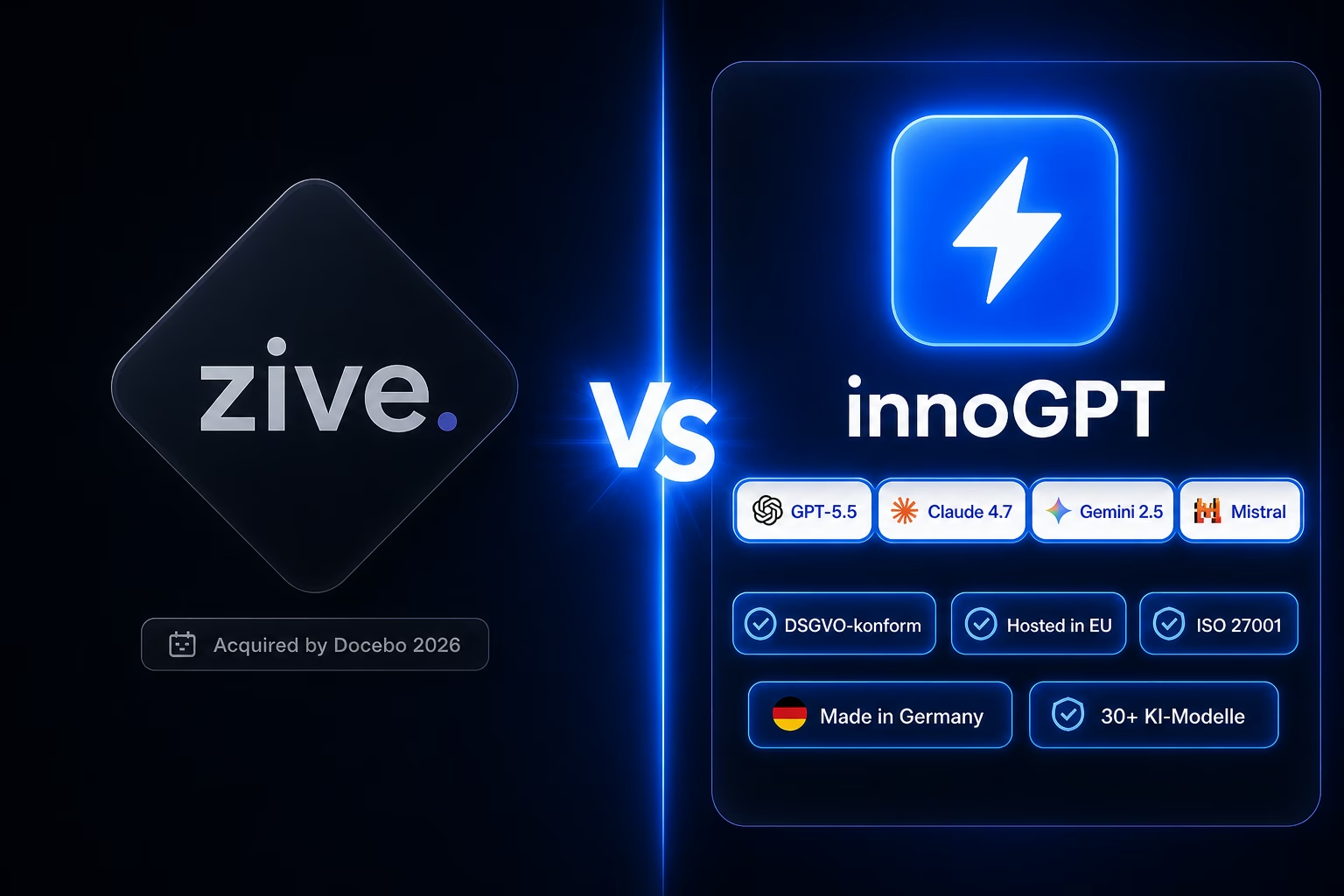
Zive alternative: innoGPT — workplace AI from Germany
Chat, knowledge base, search and tasks in one platform — bootstrapped, EU-hosted, ISO 27001-aligned.
Mastering German AI Prompts: The Key to Professional Results
Discover the best sources for a professional ChatGPT prompt in German. Includes templates and tips for marketing, sales, and more. Optimize today!
ChatGPT Alternatives: The 12 Best Tools in 2025
Looking for a ChatGPT alternative? Discover the 12 top alternatives in 2025, with overviews, pros and cons, and the criteria that matter most.