Create Project Management Templates in Seconds: AI-Powered, Custom, and Free with InnoGPT
Key takeaways at a glance:
- Templates in seconds: Learn how generative AI like InnoGPT lets you create custom project management templates in seconds, instead of spending hours searching and adapting them manually.
- Creativity beyond the standard: Discover how AI doesn't just copy existing templates but builds innovative, tailor-made documents for your specific project requirements – from risk matrices to agile sprint plans.
- The best free sources: Get a curated list of the top providers for classic, free project management templates, including direct download links, use cases, and honest reviews.
You know the drill: a new project is on the horizon and the first hurdle is often the tedious search for the right template for the project plan, risk analysis, or status report. Hours spent searching, adapting, and formatting steal valuable time before the real work has even begun. But what if you could simply skip this time-consuming routine? Imagine having a personal wizard who, with a single command, conjures perfectly tailored project templates out of thin air – except this magic is powered by cutting-edge AI technology and works every single day.
This is exactly where the project management revolution begins, driven by generative AI. Unlike static templates, you can get started immediately with simple instructions and have customized documents created on the fly. To master a project kickoff in record time, it's also worth understanding the various classic project management methods that templates support. We'll show you not only the best sources for classic, free project management templates, but also how InnoGPT takes the entire process to a new level. Forget cobbling things together in Excel and Word – start your next project faster, more creatively, and more efficiently than ever before.
1. Projekte‑leicht‑gemacht
Looking for a true goldmine of practical, ready-to-use free project management templates in the German-speaking market? Then the blog "Projekte-leicht-gemacht" is an absolute must. Here you'll find an impressive collection of more than 40 free templates for nearly every aspect of your project work, from risk analysis to the perfect kickoff meeting.

What sets this site apart is its strong focus on the German market. All templates – whether in Excel, Word, or PowerPoint – are clearly structured and use accessible German project management terminology, which makes onboarding significantly easier. Each template is also accompanied by a detailed step-by-step guide, so you don't just download it but immediately understand and apply it.
Pros and cons at a glance
| Pros | Cons |
|---|---|
| Huge selection of practical PM templates | Some templates only available after newsletter signup |
| Strong German focus with clear language | Comprehensive premium bundles are paid |
| Detailed instructions for every template | – |
Practical tip: Sign up for the newsletter. You'll get access to a bundled package of all free templates and won't have to hunt them down individually. A real time-saver.
Direct link: Browse the templates at Projekte-leicht-gemacht
2. projektmagazin
If you're looking for free project management templates created and reviewed by genuine subject-matter experts, projektmagazin is a first-class destination. As the largest German-language specialist portal for project management, it offers a carefully curated collection of high-quality templates, checklists, and tools for Word, Excel, and PowerPoint that go well beyond standard solutions.
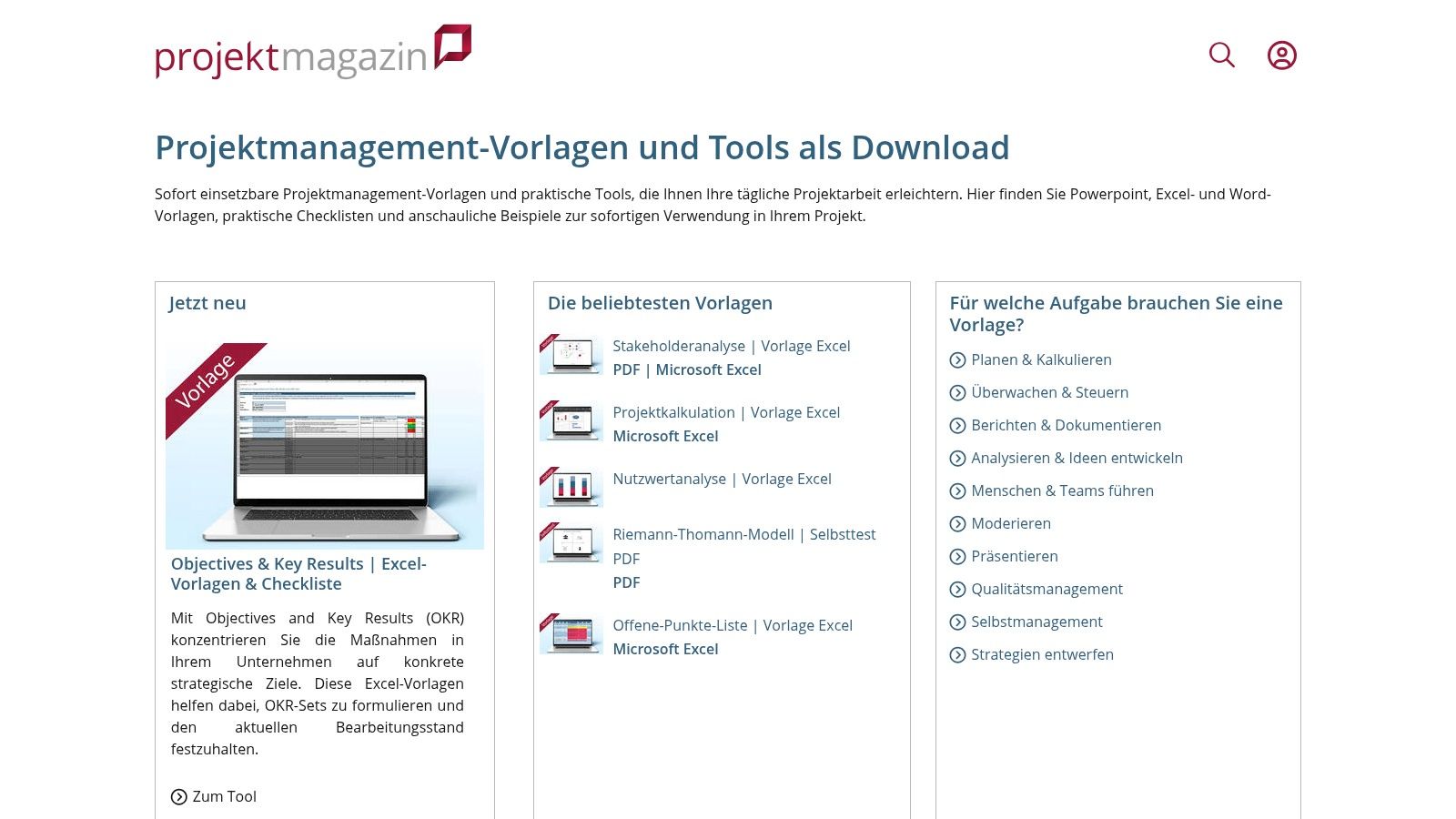
What makes projektmagazin stand out is the way it pairs templates with deep expertise. You don't just download a document – you gain access to an entire ecosystem of expert articles, e-books, and webinars that give you the theoretical background and proper application of the tools. Access to downloads is available via a free trial membership, giving you the chance to test the extensive offering risk-free.
Pros and cons at a glance
| Pros | Cons |
|---|---|
| High content quality thanks to expert reviews | Full access only free during the trial period |
| Wide thematic range from classic to agile | Registration and a later subscription required |
| Linked to expert articles for deeper understanding | – |
Practical tip: Use the free trial strategically to download the templates that matter most to you and are the most complex. Focus on the tools you need for upcoming, critical projects to get the most out of the trial period.
Direct link: Browse the tools at projektmagazin
3. Smartsheet (German template collections)
If you're looking for a quick, hassle-free download of Excel-based free project management templates, Smartsheet has you covered. The platform offers an impressively large, thematically organized collection of templates ranging from simple task lists and detailed schedules to complex RACI matrices. The big advantage here: no signup required, no newsletter subscription – you can download the Excel files with a single click and get going immediately.
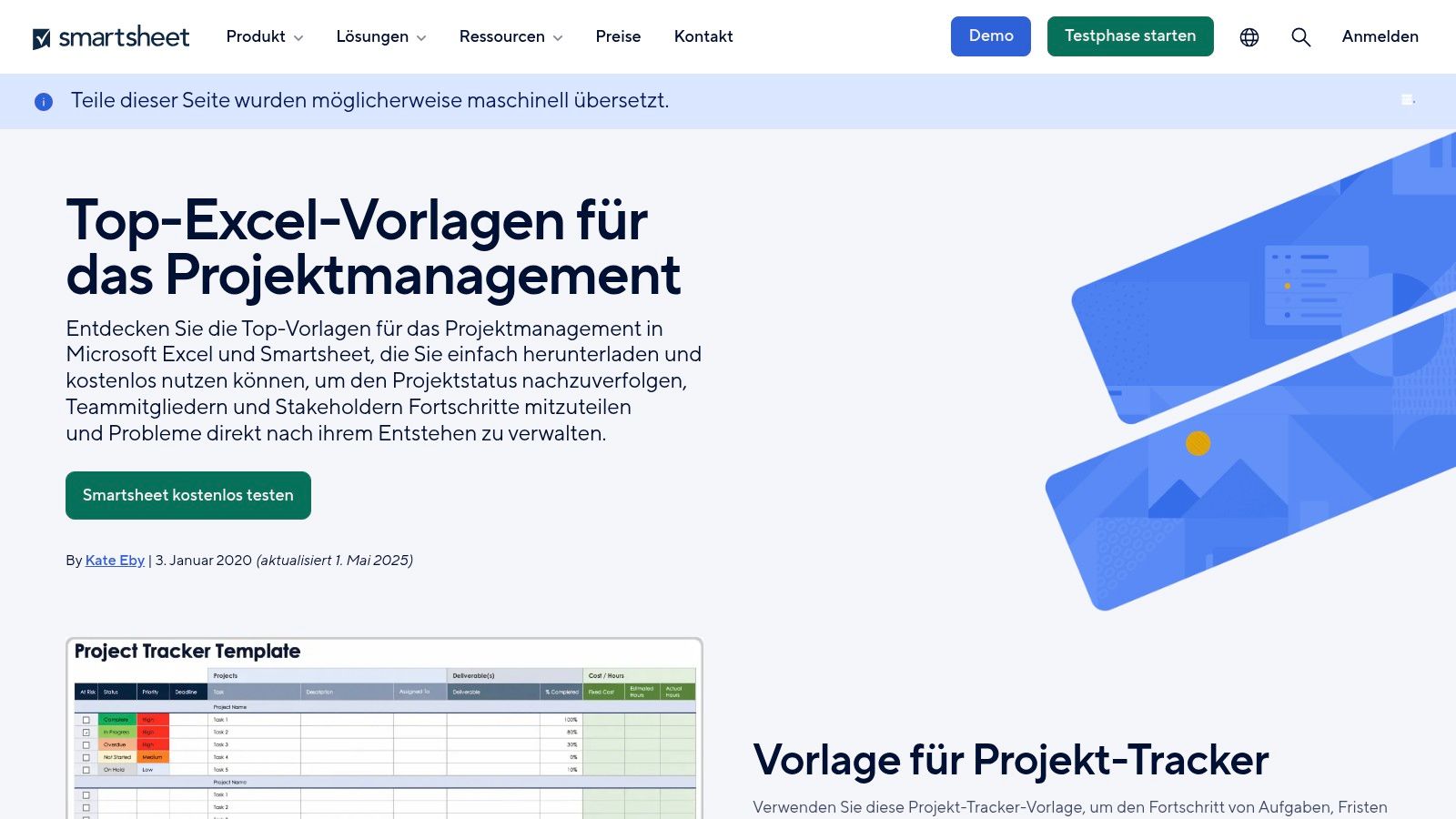
What distinguishes Smartsheet is the breadth of PM artifacts covered. You'll find not just standard project plans but also specialized templates for budgets, issue trackers, and meeting minutes. Each template collection is rounded out with helpful tips and best practices that make using the tools easier. While the templates are primarily designed for use in Excel, they make an excellent starting point for any project.
Pros and cons at a glance
| Pros | Cons |
|---|---|
| No signup required for downloads | Some translations feel machine-generated |
| Wide variety of immediately usable Excel templates | Contains subtle pointers to the paid tool |
| Includes tips and best practices for the templates | – |
Practical tip: Use Smartsheet's thematic overview pages (e.g., for timelines or Gantt charts) to find the right template directly, rather than clicking through the entire collection.
Direct link: Browse the templates at Smartsheet
4. Asana templates
If you'd rather start your project management directly inside a tool – without bouncing between Excel spreadsheets and Word documents – Asana is the perfect solution. The official template gallery of the popular PM tool offers a huge selection of ready-to-use free project management templates designed specifically for Asana. From agile sprint planning to complex project schedules, it's all there.
The standout feature here is seamless integration: you pick a template and, with a single click, spin up a fully functional project in your Asana workspace. The clean user interface and clear step-by-step guides make getting started effortless. You won't waste time on setup – you'll dive straight into planning and executing your project.
Pros and cons at a glance
| Pros | Cons |
|---|---|
| Usable directly in the PM tool and ready to go | Export to Office files only possible indirectly |
| Very user-friendly interface | Some important features only in paid plans |
| Strong structure for different methodologies | – |
Practical tip: Use the free Asana Basic account to test the templates thoroughly. Adapt them to your project, invite teammates, and find out whether Asana's workflow-based approach is a fit for your team.
Direct link: Browse the templates at Asana
5. Trello (use cases & templates)
Looking for a dynamic alternative to traditional Excel or Word documents? Trello is your perfect entry point into the world of visual project organization. Instead of rigid files, Trello offers interactive boards that you can copy from a huge template gallery with a single click and customize for your project. What you get isn't dry tables but lively free project management templates in the form of immediately usable Kanban boards.
The biggest advantage of Trello is the extremely low barrier to entry. The intuitive drag-and-drop experience makes it effortless to move tasks around, set deadlines, and visualize project progress. The use-case pages also offer valuable inspiration for how to use boards optimally for specific scenarios such as editorial planning, event management, or onboarding processes. Even on the free basic plan, the feature set is impressive.
Pros and cons at a glance
| Pros | Cons |
|---|---|
| Very low barrier to entry and intuitive operation | No focus on pure file templates like Excel/Word |
| Versatile visualization options (Kanban, calendar) | Some views and automations only from Premium upward |
| Extensive template gallery for diverse use cases | – |
Practical tip: Use the "Butler" automation, which is included even in the free plan. It lets you automate recurring tasks, such as automatically assigning teammates to new cards or ticking off checklists when a card is moved into the "Done" column.
Direct link: Browse the templates at Trello
6. Microsoft Create – timelines/roadmaps
If you're after visually striking free project management templates that integrate seamlessly into your Office world, Microsoft Create is the place to go. Rather than complex PM logic, the focus here is squarely on professional design. You get access to a vast library of customizable templates for timelines, roadmaps, and Gantt-style plans that you can edit directly in PowerPoint, Word, or Excel.
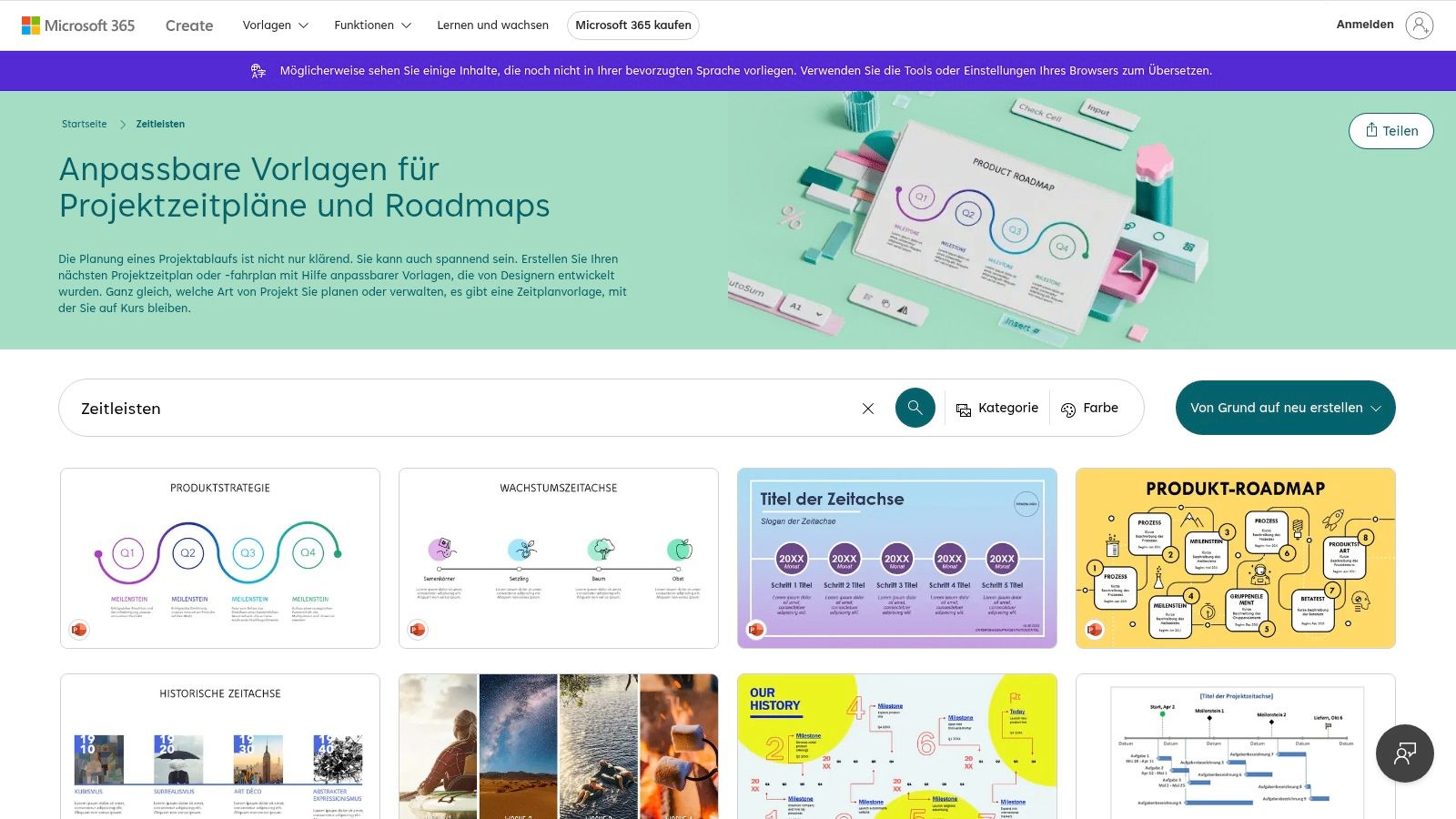
What's special about Microsoft Create is the high design quality and exceptional ease of use. You don't need to be a graphic designer to put together a compelling project roadmap for your next stakeholder meeting. The templates are a perfect starting point and can be adapted to your corporate branding with just a few clicks. Ideal for anyone who wants to visualize complex project phases simply and attractively.
Pros and cons at a glance
| Pros | Cons |
|---|---|
| High design quality from Microsoft | Focus is on visualization, not PM logic |
| Seamless Office integration (PPT, Word, Excel) | Not a dedicated project management portal |
| Easy customization and quick sharing | – |
Practical tip: Use the PowerPoint timeline templates in your presentations to give a quick, clear overview of project milestones. It looks more professional than a cluttered Excel spreadsheet.
Direct link: Browse the templates at Microsoft Create
7. Office Timeline
If your project updates need to be one thing above all else – visually impressive for management – Office Timeline is your secret weapon. The platform specializes in offering free project management templates that shine inside PowerPoint. The focus is firmly on visually appealing timelines and Gantt charts that you can prepare for your next presentation in just a few clicks.
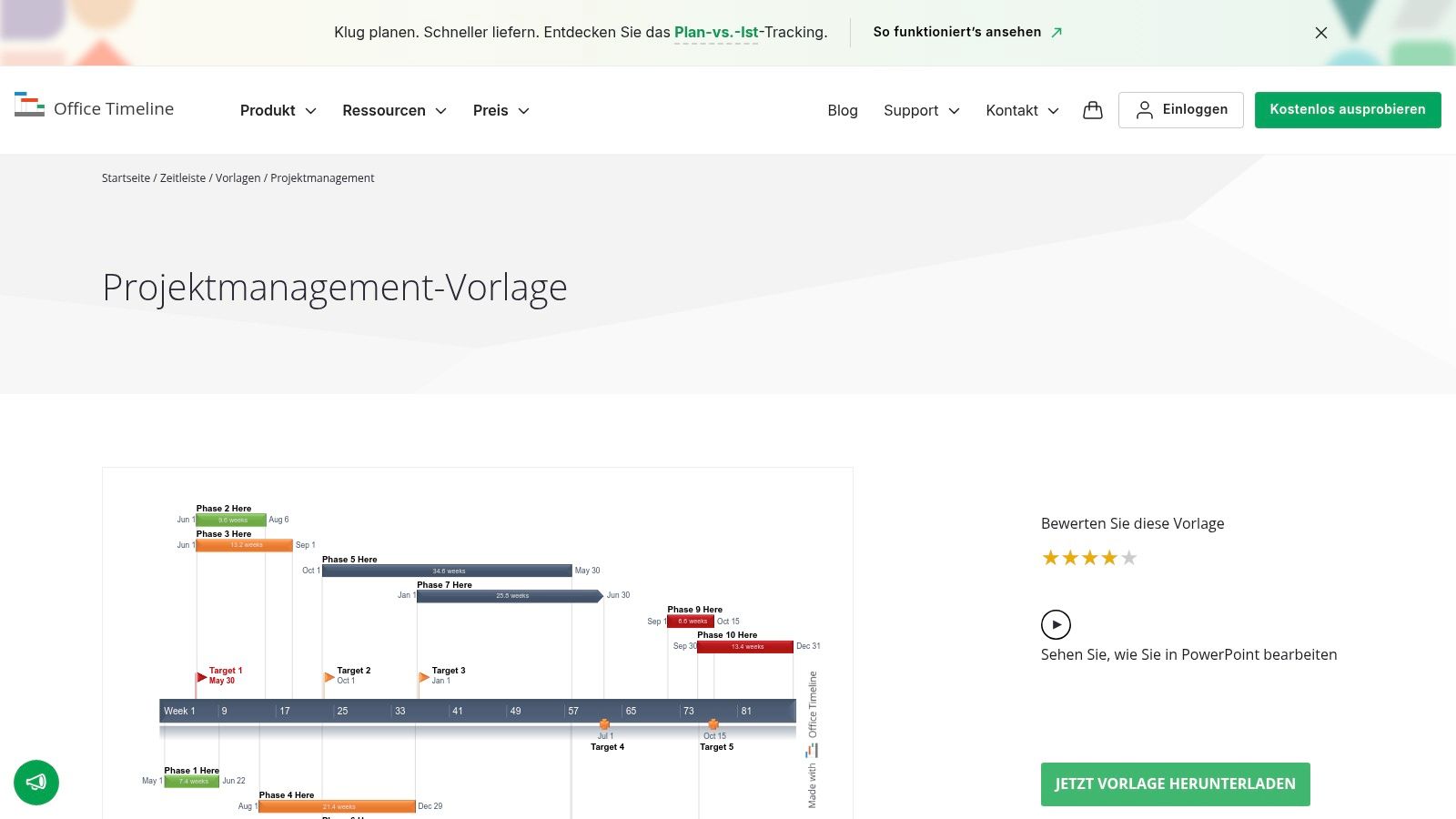
What sets Office Timeline apart from other providers is its clever PowerPoint add-in. With the free version you can not only use the templates but also edit and update them directly in PowerPoint. That spares you tedious copy-and-paste. While the basic templates are perfectly sufficient for quick status reports, the paid versions allow data import from Excel or MS Project, dramatically accelerating your workflow.
Pros and cons at a glance
| Pros | Cons |
|---|---|
| High presentation quality of the templates | Strong focus only on visual schedules |
| Quick adaptation for management reports | Not a fully fledged PM tool for project control |
| Handy PowerPoint add-in | Many automation features only in Pro versions |
Practical tip: Use the free templates to visually elevate a project kickoff or an important milestone presentation. Even if you manage your project in another tool, you can quickly create a polished summary for stakeholders here.
Direct link: Browse the templates at Office Timeline
8. OpenProject – project templates inside the tool
If you're looking for a solution that goes beyond individual files, OpenProject is the answer. This open-source platform from Germany lets you save not just documents but entire project structures as templates. Instead of just a checklist, you get full free project management templates right inside the tool, complete with predefined Gantt charts, work packages, and assigned roles – a real efficiency booster for recurring projects.
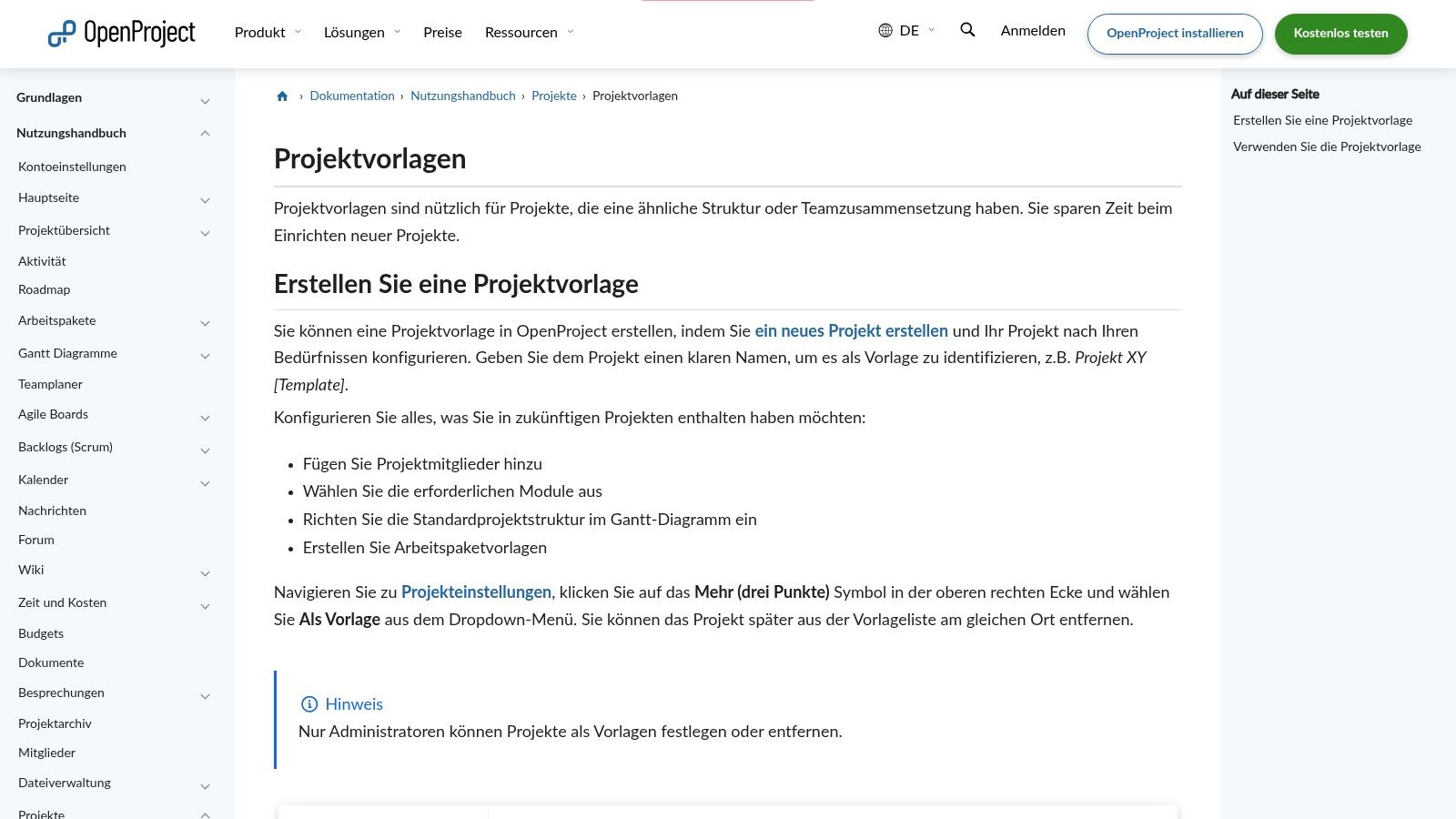
The particular strength of OpenProject lies in combining open-source transparency with strong German data-protection credentials. The free Community Edition is ideal for teams that want full control over their data. With the template feature, you can standardize proven workflows, saving time and sustainably improving project quality. Learn more about how to automate your processes and maximize efficiency.
Pros and cons at a glance
| Pros | Cons |
|---|---|
| Entire project structures can be saved as templates | Steeper learning curve than simple file downloads |
| Privacy-friendly and open source from Germany | Managing templates requires admin rights |
| Solid documentation and community | – |
Practical tip: Use project templates to establish a uniform onboarding for new projects in your company. Define standard phases, milestones, and key work packages once, and start every new project on a proven foundation with a single click.
Direct link: See the guide for project templates in OpenProject
9. Canva – project plan & WBS templates
When it comes to visualizing your project plans, Canva is the undisputed design platform that also shines in project management. Here you'll find an impressive selection of free project management templates built not on dry Excel spreadsheets but on attractive, easy-to-grasp visual communication. Whether it's a work breakdown structure (WBS), a timeline, or a stakeholder map, Canva makes complex information understandable at a glance.
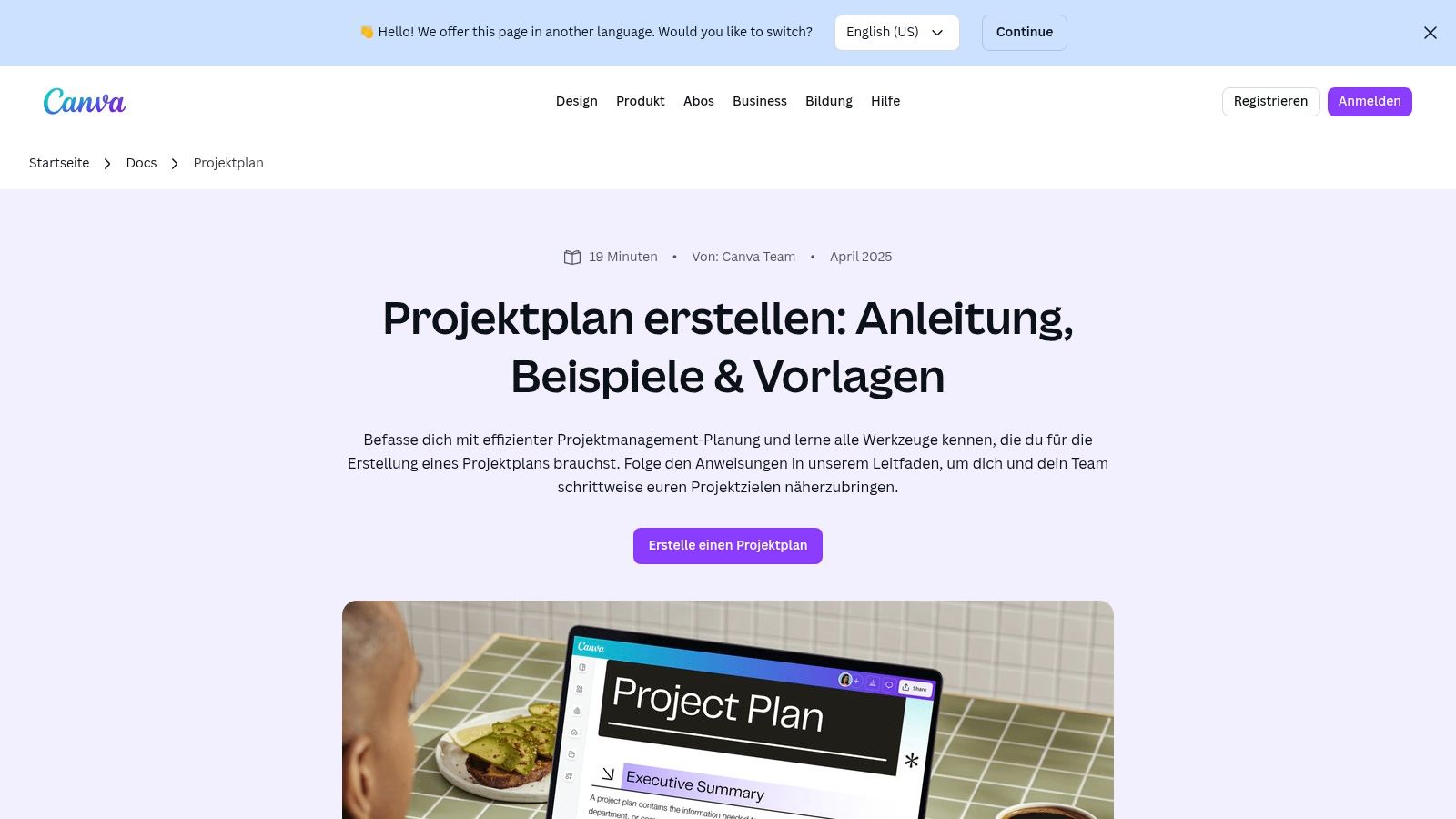
What's special about Canva is the extremely simple drag-and-drop operation right in the browser. You don't need any design experience to create professional-looking documents. The templates can be edited in real time with your team, making collaborative planning more efficient and more enjoyable. Export your finished plans effortlessly as PDF or PNG for presentations and reports.
Pros and cons at a glance
| Pros | Cons |
|---|---|
| Excellent visual presentation | No focus on calculations (Excel/formulas) |
| Very fast and easy onboarding with no software install | Some graphics and premium assets are paid |
| Real-time collaboration with your team | – |
Practical tip: Use the comment feature to gather feedback from your team directly inside the template. That avoids cumbersome email threads and keeps all comments in one central place.
Direct link: Browse the templates at Canva
10. Excelvorlage.de – project management Excel
Sometimes the simplest solution is the best one. If you're looking for a no-frills, instantly usable Excel solution for your project management, Excelvorlage.de has you covered. Instead of overwhelming you with complex tools, this platform offers a single, but extremely well-thought-out free project management template for download that focuses on the essentials.
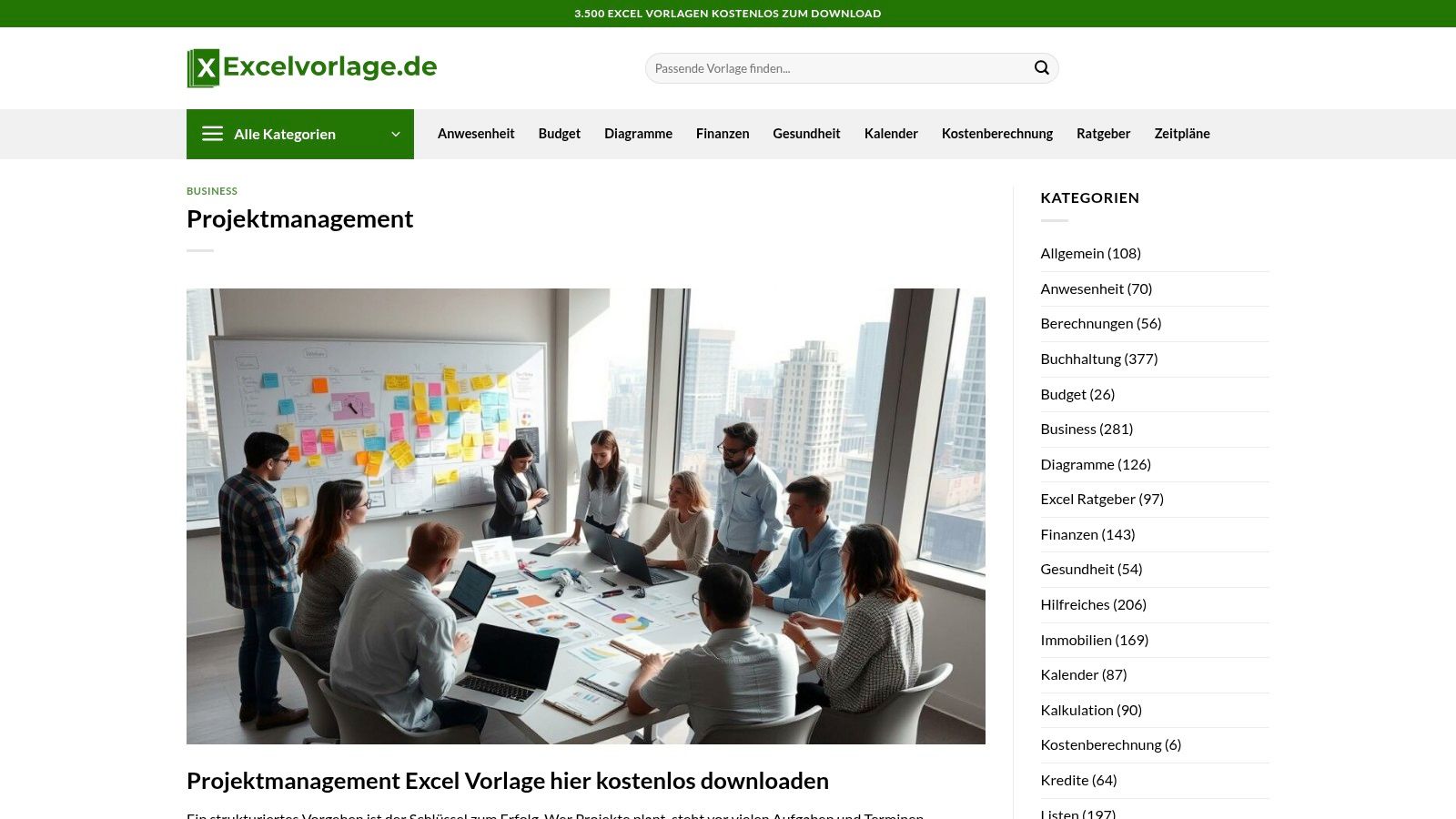
The charm of this template lies in its pure efficiency. It was designed specifically to manage tasks, milestones, and responsibilities clearly and concisely, without you having to spend hours getting familiar with it. Thanks to its easy customizability, you can effortlessly adapt it to the specific needs of your project. That makes it the ideal foundation for small to medium-sized projects, or whenever you simply need a solid base for your planning quickly – for example to build a detailed project report.
Pros and cons at a glance
| Pros | Cons |
|---|---|
| Quick start with a clearly structured Excel sheet | Limited feature set compared to PM tools |
| Completely free download with no signup | No extensive template collection for other purposes |
| Easy to customize to individual project needs | – |
Practical tip: Use Excel's conditional formatting to highlight task statuses (e.g., "Open," "In Progress," "Done") with color. With just a few clicks you'll create an even better visual overview.
Direct link: Get the template at Excelvorlage.de
11. ZEP – free Excel project plan template
A fan of clean Excel solutions and looking for a specialized template for your project plan? Then the offering from ZEP, a German provider for time and project tracking, is exactly right for you. You don't just get a simple spreadsheet but a thoughtfully designed Excel template with built-in logic that makes project planning noticeably easier.

What's special about this template is its visual design. It includes a dynamic timeline that displays task progress both as a percentage and through color coding. Working days are also calculated automatically, sparing you manual calculations. As a German provider, ZEP places great emphasis on a clear user guide, so you can get going immediately and visualize your projects professionally. For anyone looking for a quick and visually appealing Excel solution, this free project management template is a real insider tip.
Pros and cons at a glance
| Pros | Cons |
|---|---|
| Vivid visualization of project progress | The file also acts as marketing for the paid ZEP software |
| German provider with a clear guide | Excel limitations on highly complex projects |
| Automatic calculation of working days | – |
Practical tip: Use the template for medium-sized projects where a clear visual timeline is critical. For stakeholder presentations, the graphical progress display is especially valuable.
Direct link: Get the project plan template at ZEP
12. do-projects GmbH – PM templates (PPT)
If you need a flawless presentation for your next steering-committee meeting or executive review, do-projects GmbH is the right place. Here you'll find free project management templates designed specifically for PowerPoint that get your project status across in a single, polished package. Instead of wrestling with complex Excel sheets, you get presentation-ready slides for the project profile, status report, and project closure.
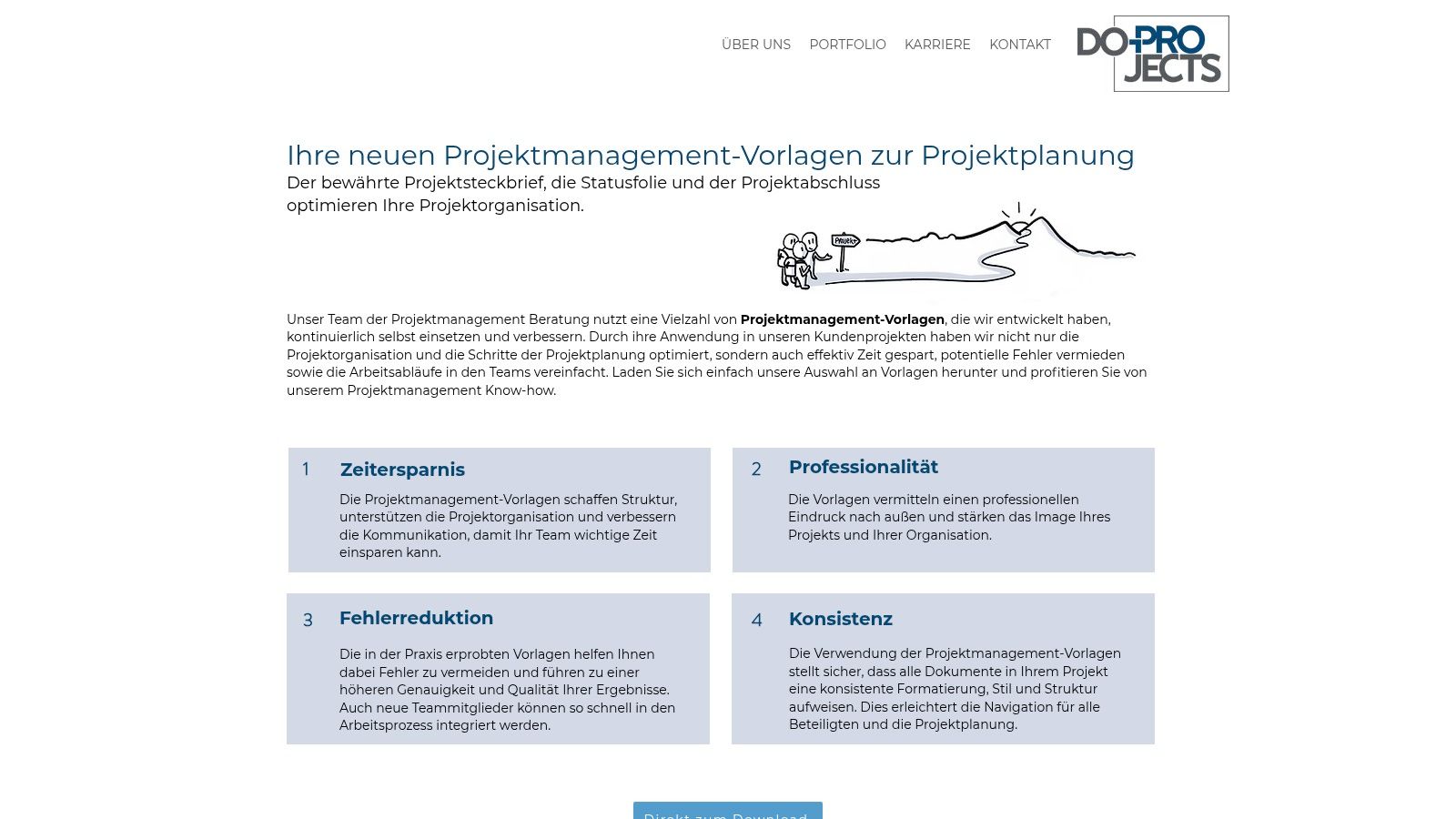
The big advantage of these templates is their clarity and professionalism. The slides are clean and business-oriented, so you can communicate important information to management quickly and clearly. You don't need any technical know-how – just fill the templates with your content and make a convincing impression right away. Ideal for anyone looking for a quick, visually appealing solution for their reporting needs.
Pros and cons at a glance
| Pros | Cons |
|---|---|
| Clean business presentation for management | Strong focus on presentation, no Excel logic |
| Quick to deploy with no technical know-how | Smaller collection compared to other portals |
| Ideal for management summaries and reports | – |
Practical tip: Use the project profile as a template for your kickoff meeting. It captures all the essential points on a single, clear slide and ensures every stakeholder is on the same page from the start.
Comparison of the 12 best free project management templates
| Provider | Core features | User experience & quality | Target audience | Unique selling points | Pricing |
|---|---|---|---|---|---|
| Projekte‑leicht‑gemacht | ★ 40+ templates (Excel, Word, PPT) | ★ Practical, step-by-step | 👥 PM professionals & beginners | ✨ German focus, newsletter access | 💰 Many free, premium bundles paid |
| projektmagazin | ★ Comprehensive PM tools & templates | ★ High quality & variety | 👥 Project managers & companies | ✨ Expert articles, web sessions, enterprise licenses | 💰 Free trial, subscription required afterward |
| Smartsheet | ★ Excel templates available for direct download | ★ Plenty of tips & best practices | 👥 Excel-focused users | ✨ No signup needed | 💰 Free |
| Asana templates | ★ Agile and classic templates | ★ User-friendly | 👥 Teams & beginners | ✨ Google integration, step-by-step | 💰 Basic free, advanced features paid |
| Trello | ★ Kanban boards, timeline, calendar | ★ Low barrier to entry | 👥 Agile teams & task managers | ✨ Automations (Butler), versatile visualization | 💰 Free base, Premium/Enterprise paid |
| Microsoft Create – Roadmaps | ★ Professional design templates | ★ High design quality | 👥 Microsoft users & managers | ✨ Browser/Office integration | 💰 Free |
| Office Timeline | ★ Timelines & Gantt for PowerPoint | ★ Presentation quality | 👥 Management & PM presentations | ✨ Add-in for automatic graphic updates | 💰 Basic free, Pro version paid |
| OpenProject | ★ Project templates, Gantt, roles | ★ Privacy & open source | 👥 Privacy-conscious teams | ✨ On-premise & cloud, German documentation | 💰 Community free, Enterprise paid |
| Canva | ★ Visual project plans & WBS | ★ Quick start, collaborative | 👥 Creative & visual teams | ✨ Browser-based, export in multiple formats | 💰 Many free, premium assets paid |
| Excelvorlage.de – PM Excel | ★ Easy-to-use Excel template | ★ Quick, clearly structured | 👥 Excel users & PM beginners | ✨ Completely free | 💰 Free |
| ZEP – Excel project plan | ★ Automatic calculation & progress | ★ Clear instructions | 👥 Excel users & small businesses | ✨ German interface, time-tracking templates | 💰 Free |
| do-projects GmbH – PPT templates | ★ Presentation-ready PM slides | ★ Clean & professional | 👥 Managers & decision-makers | ✨ Focus on management summaries | 💰 Free |
Your next step: from searching to intelligent creation with InnoGPT
You've now taken an impressive tour through the world of free project management templates. The common denominator across all these static templates, however, is manual effort. You have to search, download, adapt, and hope that the chosen template really fits the unique requirements of your project. Often the process ends in a compromise – a template that's "good enough" but not perfect. This is exactly where the next stage of project management evolution begins: dramatic time savings through generative AI.
The efficiency revolution: generative AI in focus
Imagine having a personal wizard who, with a single command, conjures perfectly tailored project templates out of thin air – except this magic is powered by cutting-edge AI technology and works every single day. With generative AI like InnoGPT, you switch from hours of manual work to second-by-second generation of high-quality project templates. You don't need any data of your own to start – you simply describe what you need and the AI creates it for you.
A creativity boost instead of stock templates
InnoGPT doesn't merely reproduce standard templates. The AI acts as your creative partner, developing innovative, tailor-made solutions for your specific project needs. Thanks to intuitive operation, with no complex setup, you get professional results from the simplest of inputs.
Concrete use cases with InnoGPT:
- Agile project plan for a software startup: Enter: "Create an agile project plan for the development of a new app. The team consists of 5 developers. The methodology is Scrum with two-week sprints." InnoGPT delivers a ready-made sprint plan including user stories and acceptance criteria.
- Risk matrix for a construction project: Enter: "Generate a risk matrix for a mid-sized construction project. Account for risks such as weather delays, material shortages, and subcontractor failures." The AI creates a structured matrix with risk assessment and potential countermeasures.
- Communication plan for a product launch: Enter: "Create a communication plan for the launch of a new e-commerce product. Target audiences are end customers and the press. The project runs for 6 weeks." You'll receive a detailed plan with timing, channels, and key messages.
- Resource planning for a marketing campaign: Enter: "I need resource planning for a three-month online marketing campaign. The team consists of a marketing manager, a designer, and a social media expert." The AI creates a clear assignment of tasks and time budgets.
InnoGPT effortlessly creates templates for various project methodologies (agile, waterfall, hybrid) and team sizes, transforming your day-to-day project work.
Stop endlessly searching for the perfect free project management template. With InnoGPT, you simply describe what you need and receive a tailor-made, professional template in seconds. Try InnoGPT for free right now and generate your first custom project template.
Weekly AI news in your inbox
New models, practical tips & expert insights — free for everyone.
Related articles
Free project management tools vs. AI assistants: What brings more efficiency?
Discover how free project management tools improve your workflows — compared to AI assistants and which solution is really worthwhile.
Create AI images for businesses with all models
Create AI images with Flux, Midjourney, Firefly, Imagen, GPT Image 2, and more. All relevant image models on one platform.
Create a Logo With AI: The Practical Guide to Professional Branding in Minutes
Creating a logo with artificial intelligence made easy: tips, tools and examples for professional branding - start your AI logo today.