The leap to a paperless office is more than just a trend — it's a strategic decision for greater efficiency, security, and sustainability. But the market for paperless office software is huge and confusing. Which solution truly fits your company's requirements? Where do you even begin? That's exactly where this comprehensive guide comes in. We've combed through the digital jungle for you and identified the best tools on the market, from all-in-one platforms to specialized applications for document management and digital signatures.
In this detailed overview, you'll find not just a list, but a well-grounded decision-making aid. Each piece of software we present is examined with practical use cases, an honest assessment of its strengths and weaknesses, and key implementation tips. We show you screenshots so you get a direct look, and provide the links to explore the tools yourself. Before you dive into the specific software, it's helpful to familiarize yourself with proven best practices for a paperless office.
Forget hours of research and vague product descriptions. This article is your direct path to the optimal software that will transform your workflows and excite your team. Let's find the perfect solution for your company together.
1. innoGPT: The AI Hub for Your Paperless Office
innoGPT positions itself as the leading AI operating system for companies that don't just want to make the transition to a paperless office, but revolutionize it. Instead of focusing on isolated aspects like pure document management, innoGPT acts as a comprehensive, in-house assistant that automates daily writing and analysis work. The platform is designed to save every employee, from startup to enterprise, valuable time every day — typically between 30 and 60 minutes.
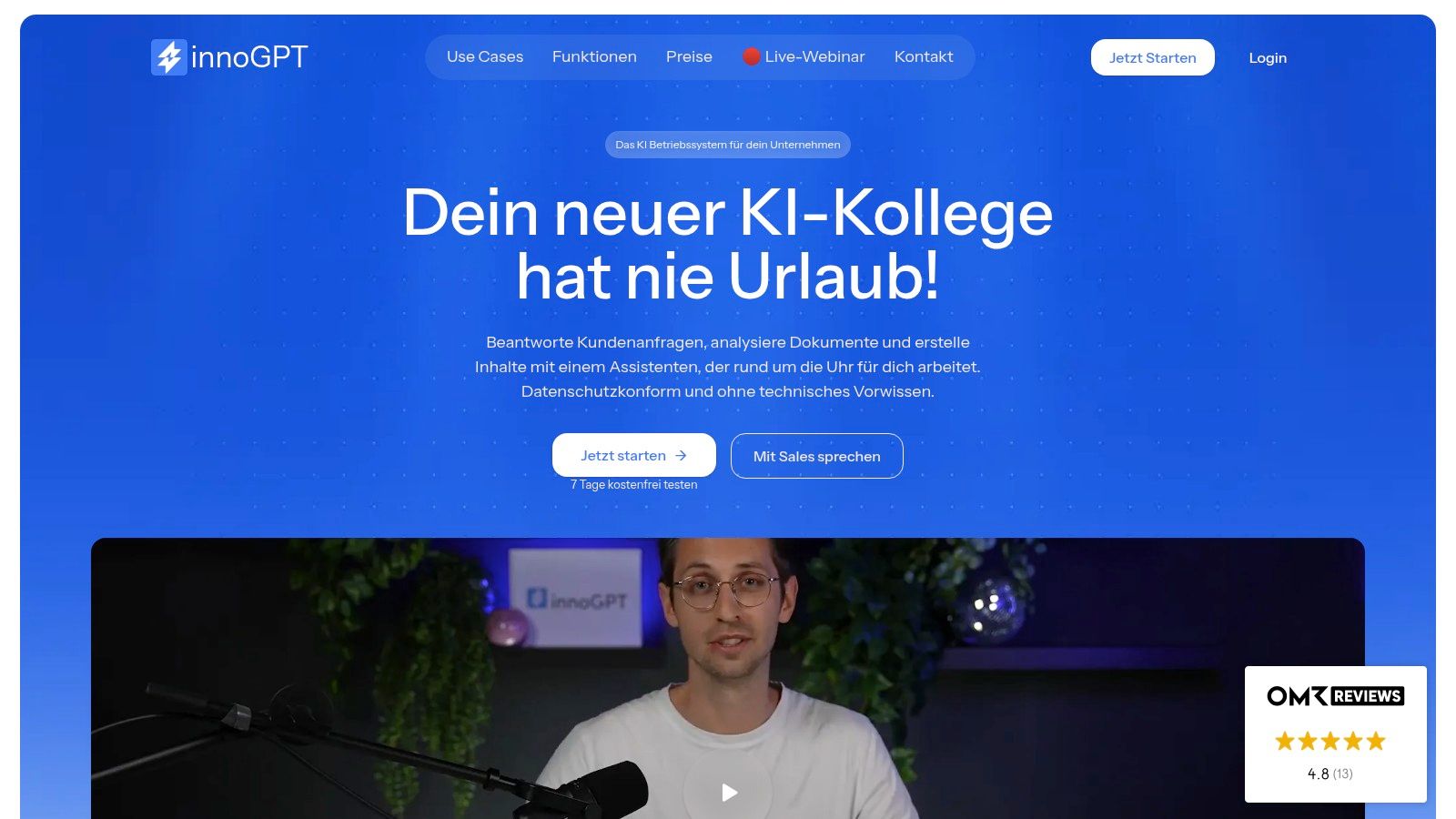
innoGPT's standout feature is the ability to create custom AI assistants that work on the basis of your own company documents. Upload your manuals, QM documents, or project information, and the AI answers questions and creates content exactly to your specifications. This ensures consistent communication and unified corporate wording across all generated texts, from emails and proposals to meeting minutes.
Who is innoGPT the ideal paperless office software for?
innoGPT is particularly powerful for teams that not only need to digitize documents but actively work with them:
- Sales and marketing departments: Create personalized proposals, social media posts, and marketing copy in seconds and in over 50 languages.
- Customer service and support: Respond to customer inquiries professionally and quickly, with the AI accessing your knowledge base.
- HR and administration teams: Automate the creation of meeting minutes, internal communications, and standardized documents.
- Companies with strict compliance requirements: Benefit from a GDPR-compliant solution with zero retention, EU hosting, and the highest security standards (AES-256 encryption, ISO-certified data centers).
Thanks to seamless integrations with tools like SharePoint, Google Drive, Slack, and Teams, innoGPT fits perfectly into existing digital workflows. The Business plan starts at €25 per user per month, making it a strategic investment for companies looking to deliberately boost efficiency and consistency. A free 7-day trial enables risk-free evaluation.
Website: https://www.innogpt.de
2. Papierlos.de
Papierlos.de lives up to its name and delivers an impressive all-in-one solution tailored specifically to the needs of small and medium-sized enterprises (SMEs) in Germany. This platform is much more than a document store; it's a central command center for your entire office. The focus is clearly on seamless integration of document, contact, and invoice management, making it excellent paperless office software for companies that prioritize efficiency.
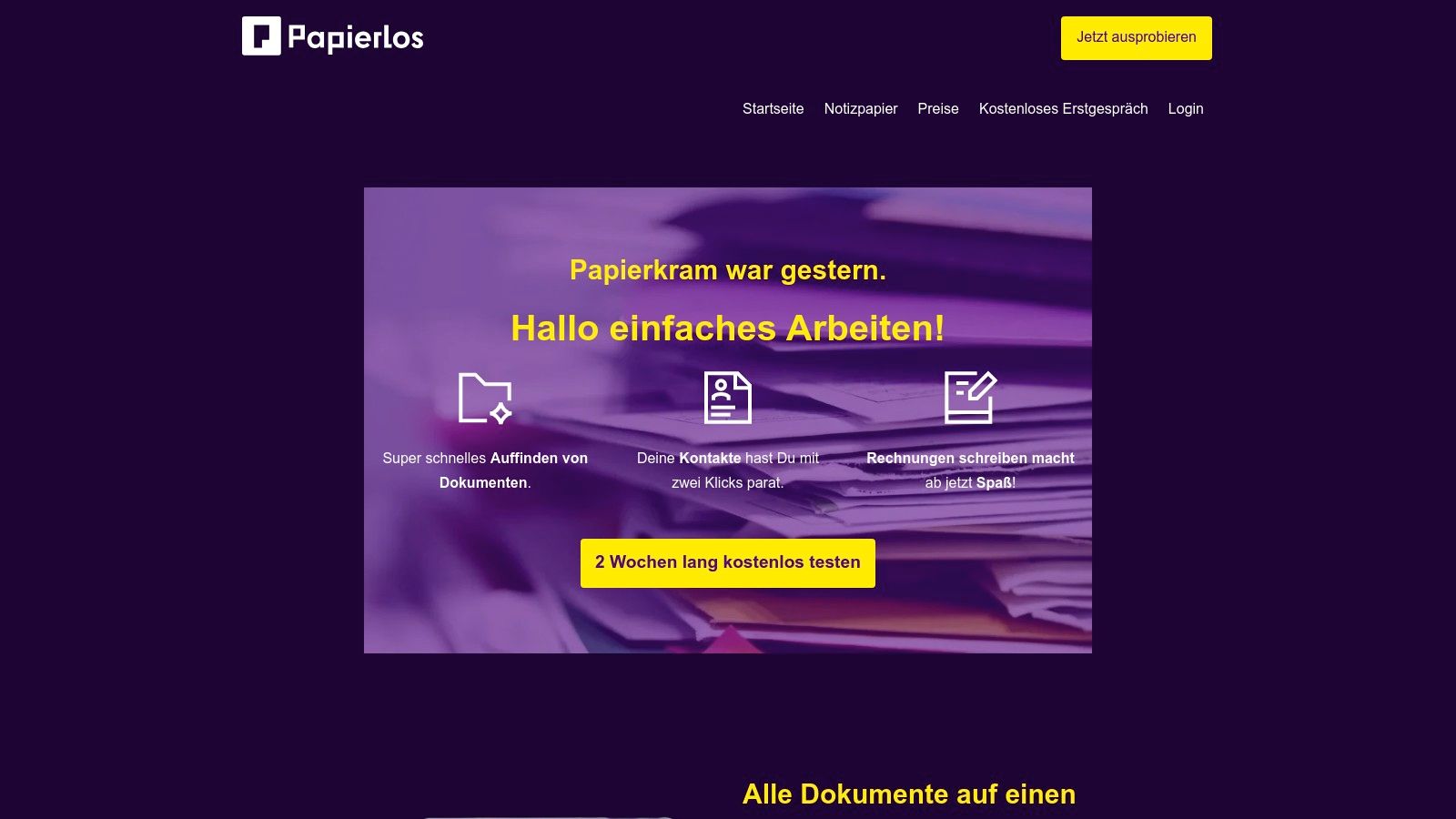
What sets Papierlos.de apart is the combination of intuitive usability and data storage on German servers, which represents a decisive security and compliance argument for many companies. The user interface is designed so that even less tech-savvy employees can find their way around immediately.
Strengths & Weaknesses at a Glance
Pros:
- Simplicity: Operation is incredibly easy and the interface is extremely user-friendly.
- Security: Data hosting in Germany meets strict GDPR requirements.
- Flexibility: The software is multi-tenant capable and adapts to various company structures.
Cons:
- Storage space: 5 GB per license in the basic package can quickly become tight for data-intensive industries.
- Feature scope: Some specialized features are only included in the more expensive packages.
Practical tip: Use the contact management function to assign documents and create invoices directly from a customer record. This saves an enormous amount of administrative time.
Website: https://papierlos.de/
3. sevDesk
sevDesk positions itself as a powerhouse for digital accounting, making it ideal paperless office software for the self-employed, freelancers, and small businesses. The platform goes far beyond simple document management and specifically automates the often tedious financial processes. The core of the offering is the seamless connection of receipt recognition, invoicing, and direct bank synchronization, which makes bookkeeping run almost on autopilot.
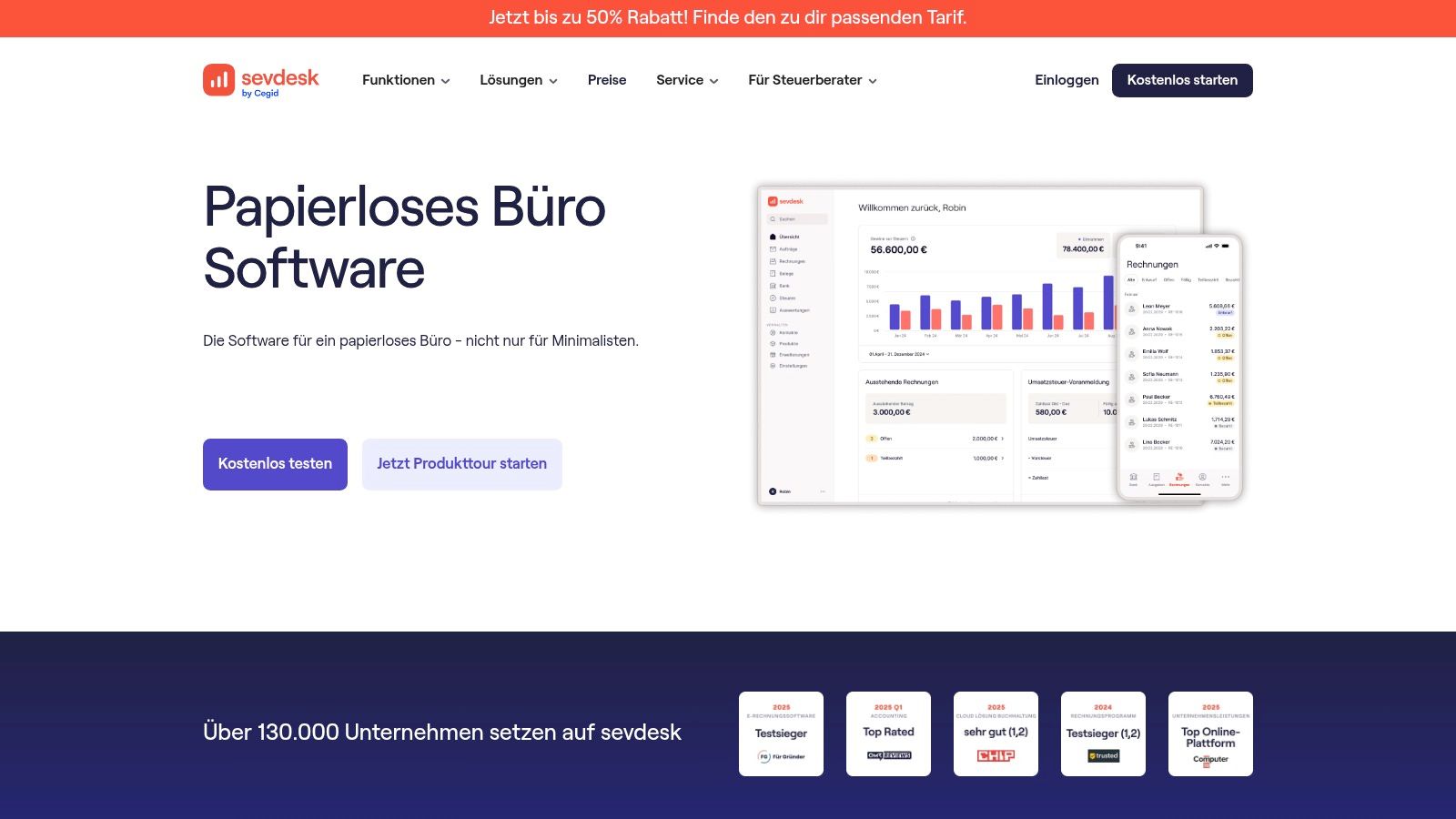
What makes sevDesk particularly attractive is the high degree of automation in receipt capture and GoBD compliance, which ensures legally secure operations. Thanks to the intuitive interface and mobile app, receipts can be easily photographed and posted directly, dramatically reducing daily paperwork. This turns accounting from a tedious chore into an efficient, digital process.
Strengths & Weaknesses at a Glance
Pros:
- Automation: Intelligent receipt recognition (OCR) and automated booking suggestions save enormous amounts of time.
- GoBD compliant: Meets all legal requirements for proper digital bookkeeping.
- User-friendliness: The intuitive operation and mobile app make getting started very easy.
Cons:
- Plan dependency: Important features like the DATEV interface are often only included in the more expensive packages.
- Customizability: For niche industries with very specific requirements, customization options are limited.
Practical tip: Use the bank synchronization function to automatically reconcile incoming payments with open invoices. This gives you a permanently up-to-date overview of your finances without manual reconciliation.
Website: https://sevdesk.de/papierloses-buero-software/
4. fileee
fileee positions itself as a clever and mobile solution for everyone who wants to take the first step toward a paperless office. Originally launched as an app for private users, fileee now offers strong features for freelancers and small businesses too. The approach is wonderfully simple: documents are scanned with the smartphone camera, analyzed by intelligent text recognition (OCR), and automatically tagged. This simplicity makes fileee ideal paperless office software for getting started.
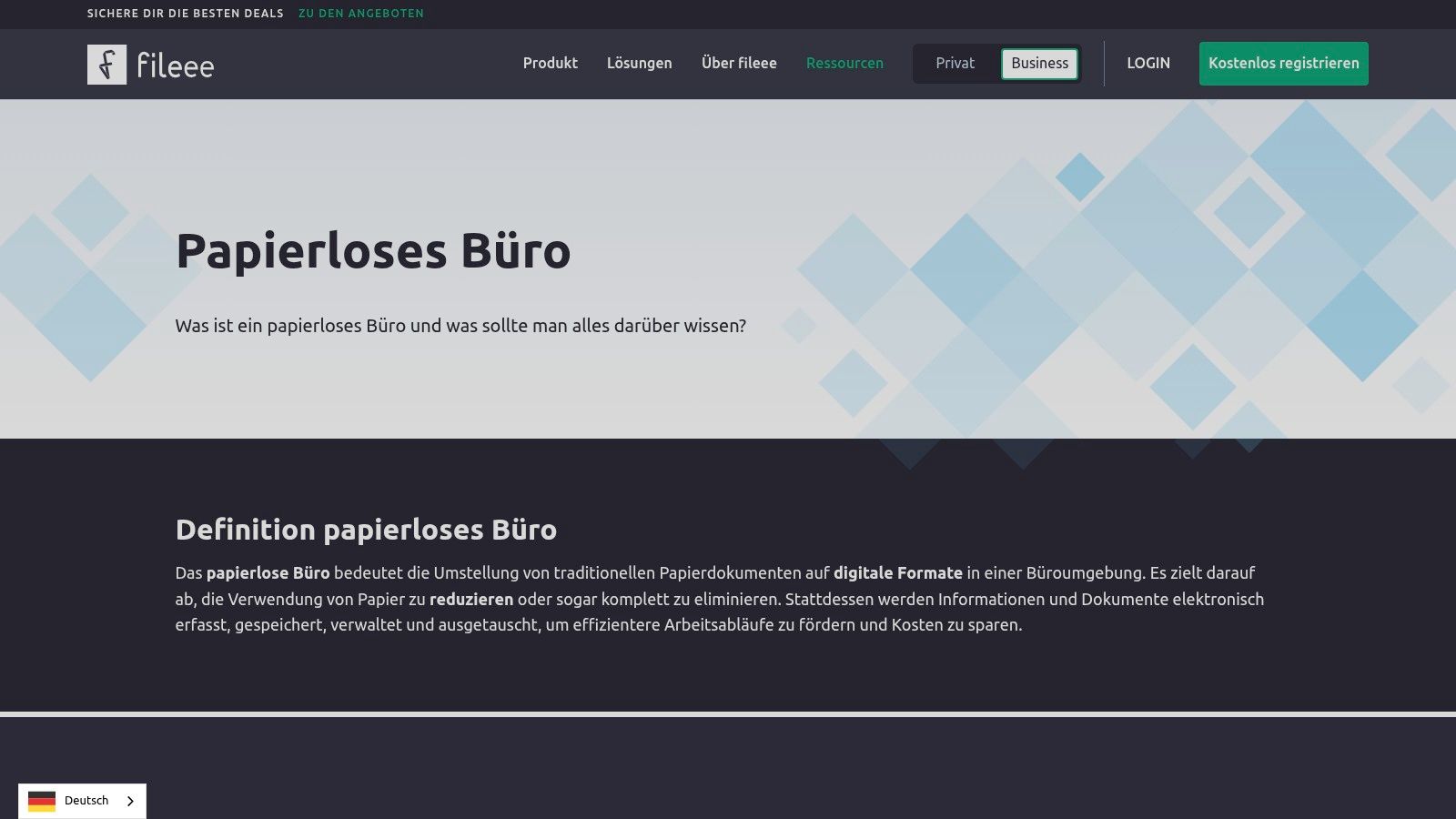
What sets fileee apart from many other solutions is its focus on mobile digitization and intuitive organization. The platform makes it incredibly easy to quickly and effortlessly transform the stack of paper on your desk into a searchable, digital archive. The automatic analysis recognizes important data such as senders, invoice amounts, or deadlines, making subsequent management much easier.
Strengths & Weaknesses at a Glance
Pros:
- Easy digitization: Scanning documents with your smartphone is extremely user-friendly and efficient.
- Intelligent organization: Automatic text recognition and tagging save a lot of time on filing.
- Location-independent: Thanks to cloud synchronization, you have access to your documents from anywhere.
Cons:
- Limited free version: Storage space and some analysis features are limited in the free variant.
- Focus on individual users: It's less suited to complex team workflows or approval processes in larger companies.
Practical tip: Use the tagging function consistently to sort documents by project, customer, or document type. This way you build a structured archive from the start that remains clear even as volume grows.
Website: https://www.fileee.com/digitalisierung/papierloses-buero
5. ecoDMS
ecoDMS deliberately takes a different path than many cloud-based providers and positions itself as a powerful document management system (DMS) for installation on your own server infrastructure. This makes it ideal paperless office software for companies of any size that want to retain full control over their data and rely on audit-proof archiving. The focus is clearly on security, adaptability, and a transparent licensing model.
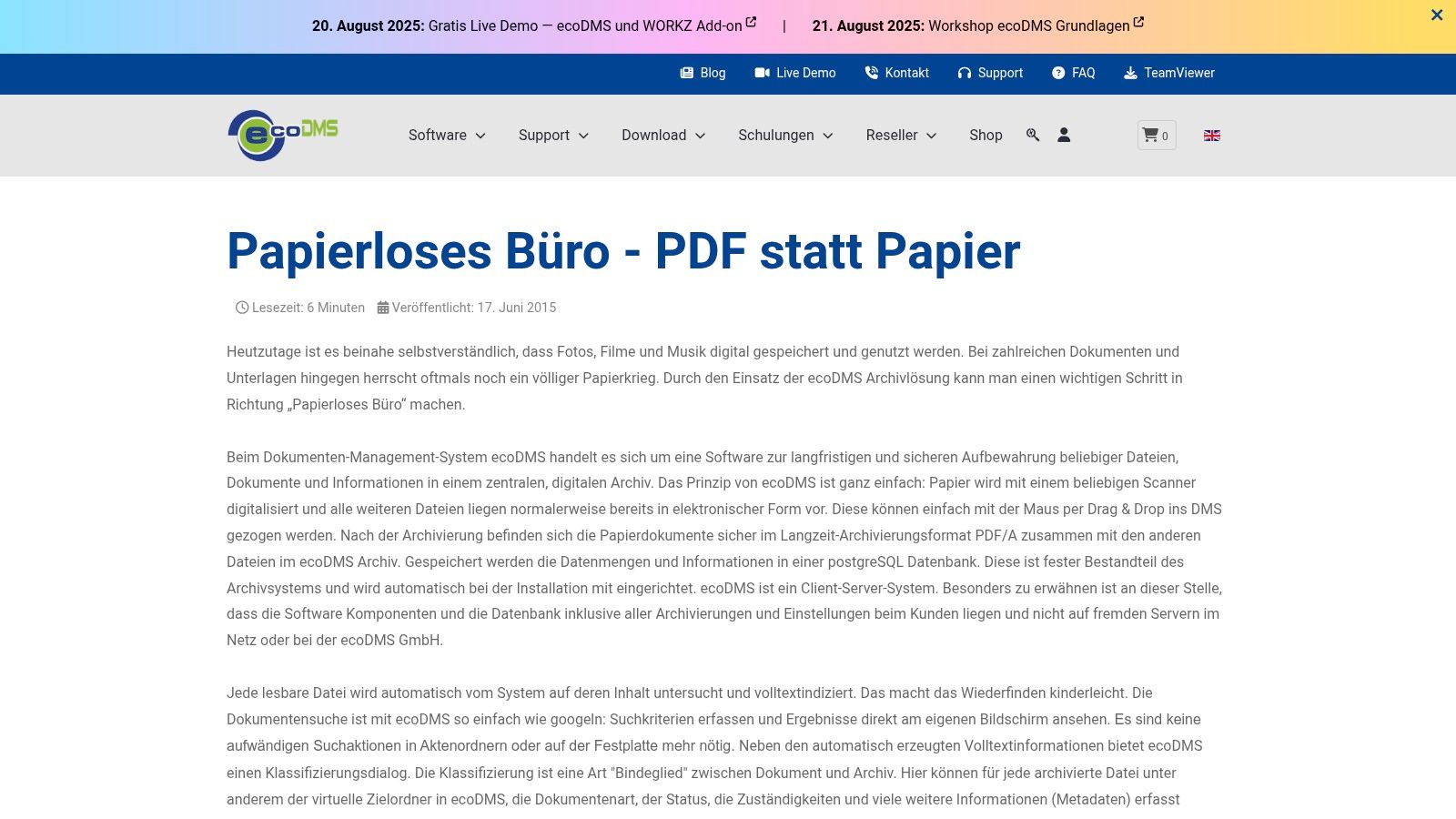
What makes ecoDMS particularly notable is the combination of platform-independent use and a one-time license cost model. Instead of monthly subscriptions, companies invest once per user. The automatic full-text indexing ensures that every document, whether scanned or digitally created, becomes lightning-fast to find. If you want to learn more about the differences between on-premise and cloud solutions in document management, you'll find valuable insights there.
Strengths & Weaknesses at a Glance
Pros:
- Cost control: One-time license costs per user provide long-term planning predictability.
- Data sovereignty: Since the software runs on your own servers, all data stays within the company.
- Adaptability: High flexibility when integrating into existing business processes and IT landscapes.
Cons:
- No cloud service: Requires your own server infrastructure and IT expertise for maintenance.
- Mobile access: Mobile access options are more limited compared to pure cloud solutions.
Practical tip: Use the integration with Microsoft Office and Outlook to archive emails and documents in an audit-proof manner directly from the familiar work environment with a single click.
Website: https://www.ecodms.de/de/presse-news/pressemitteilungen/news/papierloses-buero-pdf-statt-papier
6. mysoftware.de
Mysoftware.de is not a standalone software but a specialized online marketplace that bundles a huge selection of digital tools for your office. For companies taking the leap to a paperless office, this is a real goldmine. Instead of clicking through countless manufacturer websites, you'll find a curated selection of paperless office software here — from simple PDF tools to more complex office suites. The big advantage lies in the variety and the ability to compare different solutions directly and acquire them via instant download.
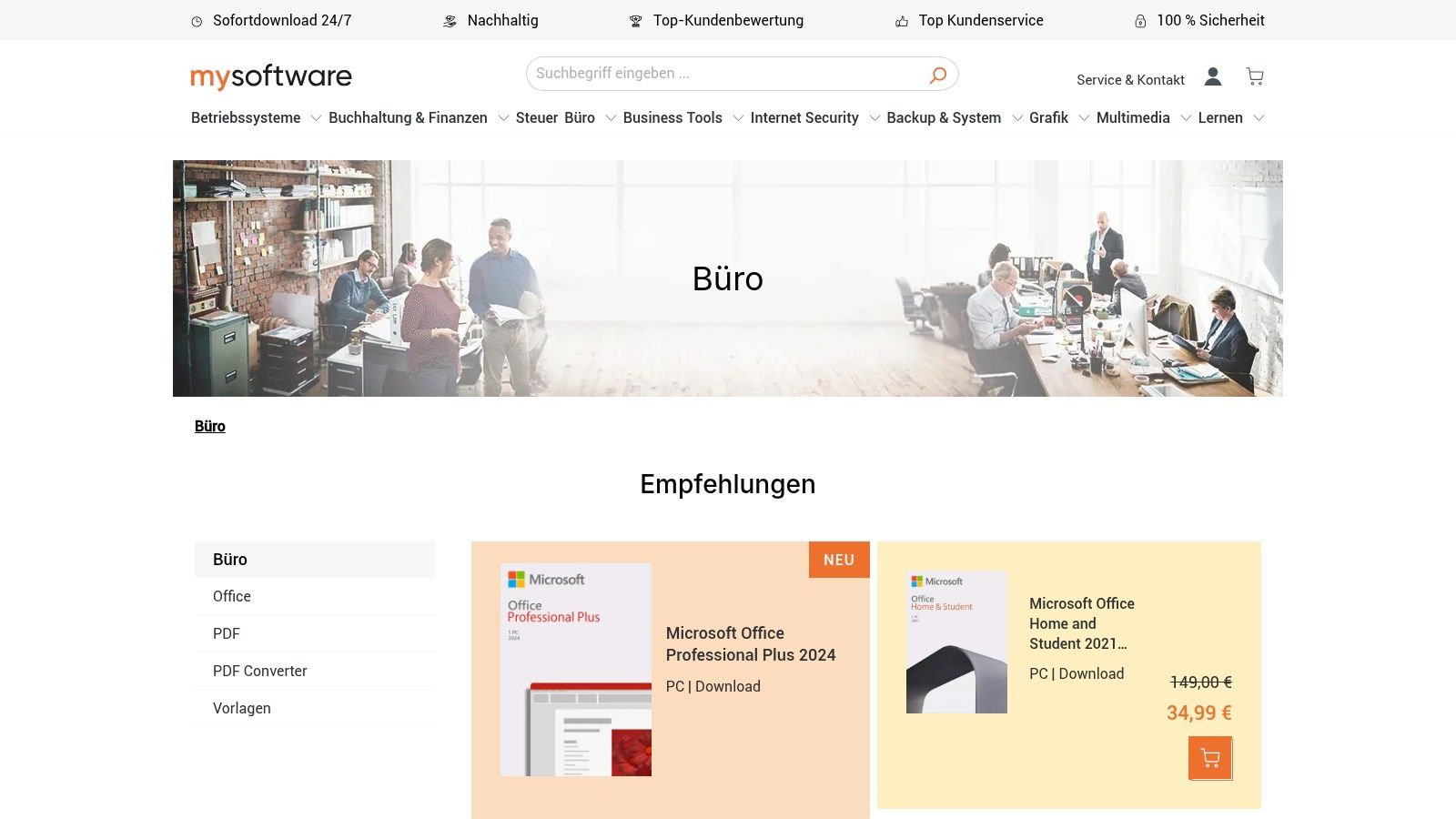
What makes mysoftware.de special is the combination of a broad range and immediate availability of products. After purchase, you receive your license key and download link immediately, so you can get started without delay. This is ideal for teams that quickly need specific software to digitize a workflow.
Strengths & Weaknesses at a Glance
Pros:
- Variety: Huge selection of office software from various manufacturers in one place.
- Immediate access: Products are available for download immediately after purchase.
- Comparability: Detailed product descriptions and customer reviews make selection easier.
Cons:
- Digital only: There is no physical shipping of software boxes or media.
- Focus: While the platform offers many tools, it has fewer highly specialized all-in-one DMS solutions.
Practical tip: Use the filter and search function specifically for keywords like "edit PDF," "OCR," or "document archiving" to quickly find the right tools for your specific digitization requirements.
Website: https://www.mysoftware.de/buero/
7. Staffomatic
Staffomatic tackles the paperless office from an often overlooked but extremely important angle: personnel and shift planning. Instead of focusing on general document management, this solution offers a specialized platform to fully digitize vacation requests, sick leave reports, and shift schedules. For industries like hospitality, retail, or healthcare, where shift work is the order of the day, Staffomatic is a true relief and excellent paperless office software that ends paper shuffling and Excel chaos.
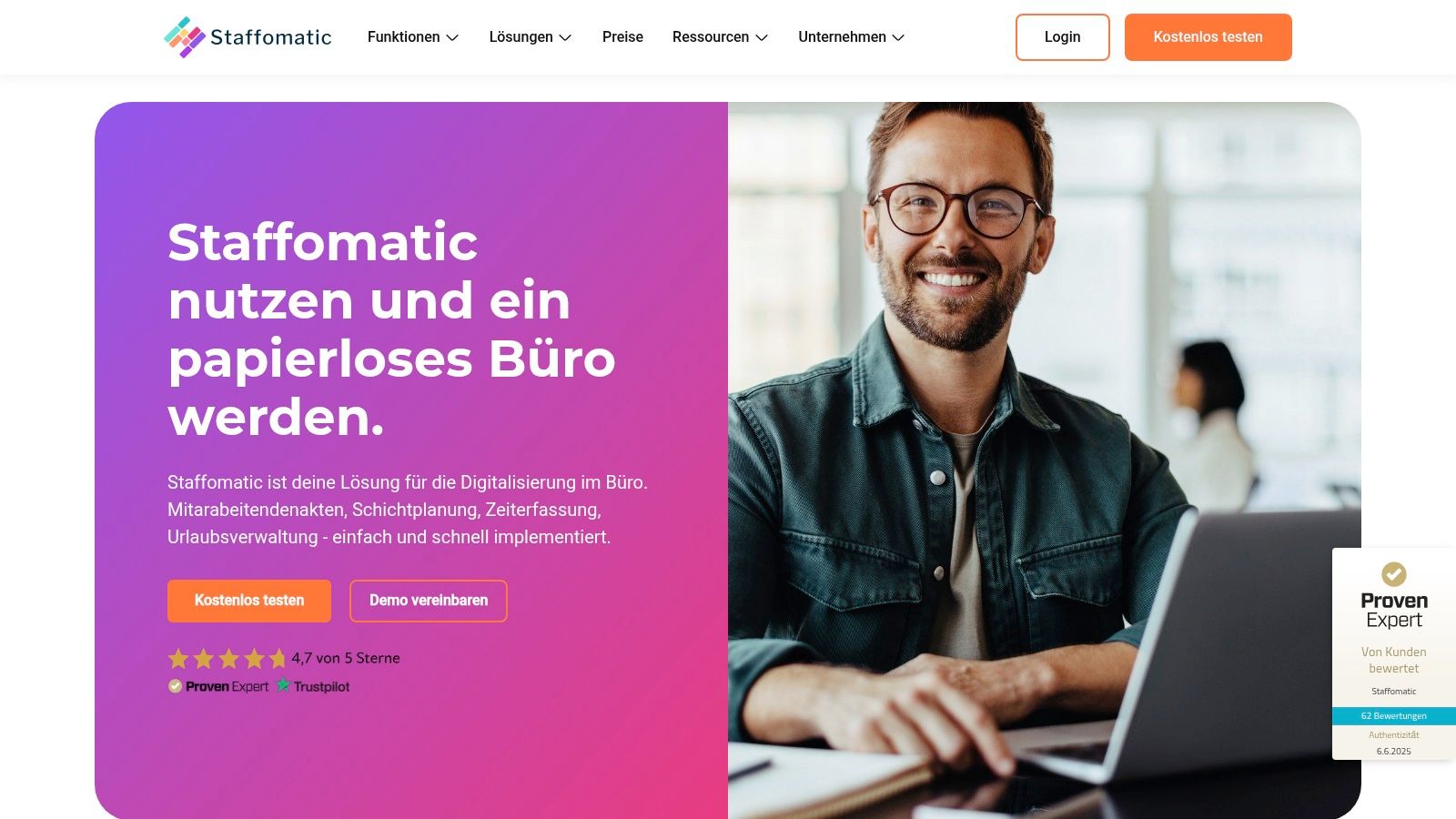
The decisive advantage lies in directly involving employees. Anyone can enter their availability via the app, swap shifts, and request vacation. This creates enormous transparency and dramatically reduces the administrative burden on the HR department. GDPR-compliant data processing on German servers provides the necessary legal certainty.
Strengths & Weaknesses at a Glance
Pros:
- Specialization: Perfectly tailored to digital shift and vacation planning.
- Transparency: Employees are actively involved in the planning process, which improves communication.
- Automation: Dramatically reduces manual effort in managing absences and working hours.
Cons:
- Niche focus: No comprehensive DMS functionality for invoices or contracts.
- Pricing structure: Some advanced features are only included in the more expensive packages.
Practical tip: Use the integrated time tracking function to reconcile recorded times directly with planned shifts. This makes deviations immediately visible and turns payroll into child's play.
Website: https://staffomatic.com/de/loesungen/papierloses-buero
8. Aktenplatz
Aktenplatz positions itself as a powerful all-in-one solution designed to digitally map the entire lifecycle of documents within a company. From creation through editing to audit-proof archiving, the platform offers a thoughtful approach to document management. Especially for companies looking not just for storage but for active process optimization, Aktenplatz is excellent paperless office software focused on automation and compliance.
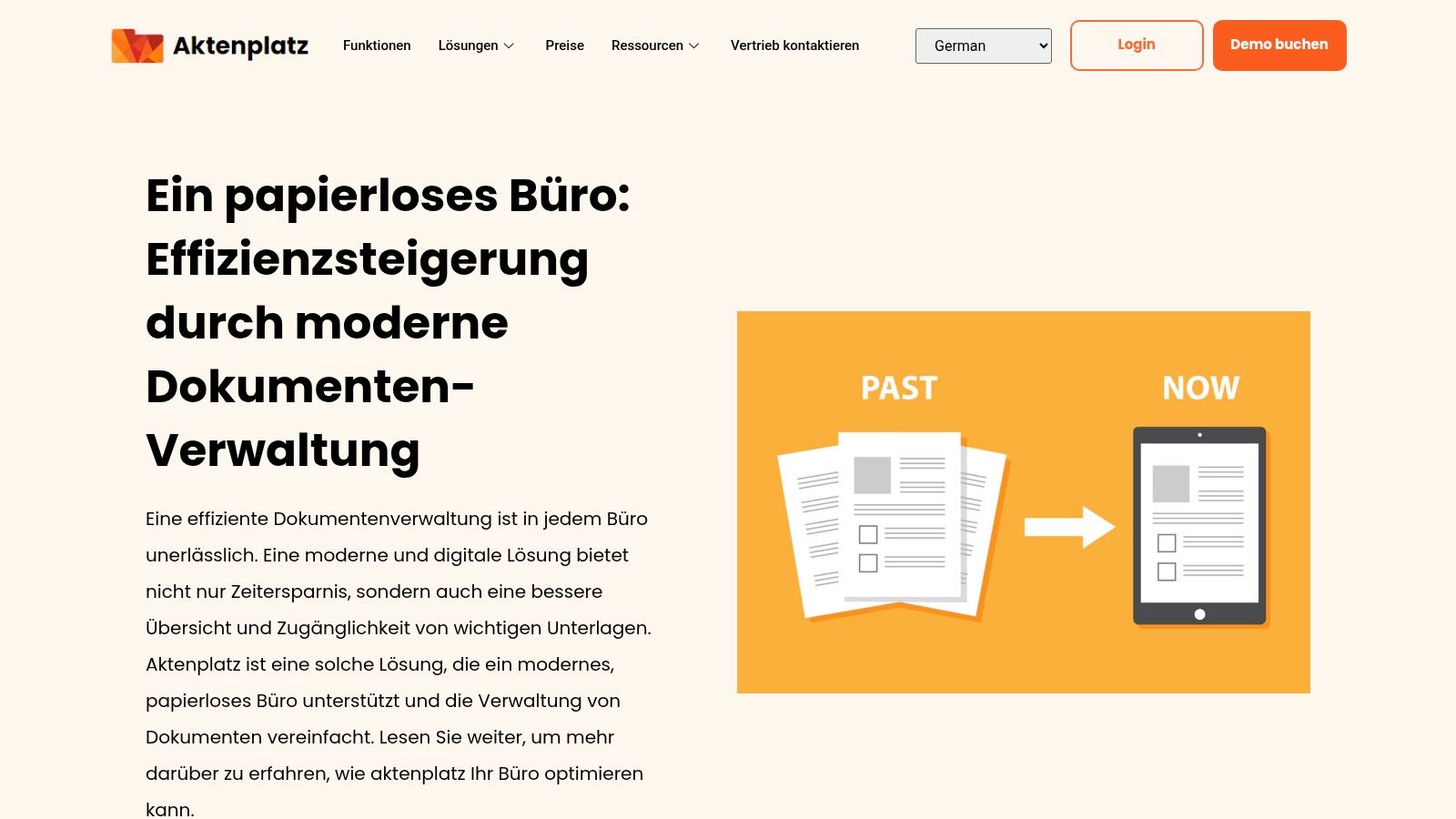
What makes Aktenplatz special is its ability to go beyond pure document management and automate complete workflows. The software allows you to implement industry- and team-spanning solutions, such as digital personnel files or contract management, while always adhering to strict GDPR requirements. If you want to learn more about how to digitize your business processes, you'll find valuable insights on digitizing processes here.
Strengths & Weaknesses at a Glance
Pros:
- Versatility: Offers tailored solutions for different departments such as HR and legal.
- Automation: Strong workflow engine for boosting efficiency and reducing manual tasks.
- Security: Audit-proof archiving and consistent GDPR compliance provide legal certainty.
Cons:
- Pricing: No transparent pricing on the website; an inquiry is required.
- Onboarding: The feature scope may require a certain learning curve for new users.
Practical tip: Use the digital personnel file function to securely and centrally manage the entire employee lifecycle from application to departure. This creates transparency and saves the HR department an enormous amount of time.
Website: https://aktenplatz.de/papierloses/
9. Paperless-ngx
For tech enthusiasts and absolute control freaks, Paperless-ngx is the holy grail of paperless office software. As an open-source solution, this document management system offers an unbeatable combination of performance and customizability. You transform physical documents through scanning and automatic text recognition (OCR) into a fully searchable digital archive that you host on your own hardware. This gives you ultimate control over your data and processes.
What makes Paperless-ngx so special is its flexibility. You're not bound by a vendor's specifications but can customize the system precisely to your needs. Thanks to an active community, the software is constantly being further developed and improved, making it future-proof paperless office software for everyone willing to roll up their sleeves and handle the installation themselves.
Strengths & Weaknesses at a Glance
Pros:
- Free: As open-source software, there are no license fees.
- Customizability: The system can be configured and extended down to the smallest detail.
- Data sovereignty: You retain full control since data resides on your own servers.
Cons:
- Technical know-how: Installation, configuration, and maintenance require technical understanding.
- No support: There is no official customer service or guarantees.
Practical tip: Use the powerful tagging and correspondent functions to have your documents sorted automatically. Set up rules that, for example, automatically tag all invoices from a specific supplier with "Tax2024."
Website: https://paperless-ngx.com/
10. PDFelement
PDFelement by Wondershare isn't a classic all-in-one office software, but it's an indispensable tool for any company serious about transitioning to a paperless office. The strength of this software lies in its powerful yet accessible editing of PDF files, the de facto standard for digital documents. It allows you not only to archive scanned paper invoices, contracts, or forms, but to actively edit, comment on, and digitally sign them. That makes PDFelement central paperless office software for active document work.
What particularly distinguishes PDFelement is its outstanding OCR (Optical Character Recognition) function, which converts scanned documents into fully searchable and editable files. This feature alone is a game-changer for digitizing legacy archives. The user interface resembles common Office applications, making onboarding much easier and boosting team adoption.
Strengths & Weaknesses at a Glance
Pros:
- User-friendliness: The intuitive interface makes complex PDF editing simple.
- Feature scope: Offers extensive tools for editing, converting, and securing PDFs.
- Cross-platform: Available for Windows, Mac, and as a mobile app for iOS and Android.
Cons:
- No DMS: It lacks an integrated document management function for centralized storage.
- Pro version required: Some advanced features like OCR are reserved for the paid Pro version.
Practical tip: Use batch processing to convert hundreds of paper documents into searchable PDFs at once via OCR. This is ideal for quickly building a digital, searchable archive.
Website: https://pdf.wondershare.de/business/papierlos-buero-programme.html
11. GoCanvas
GoCanvas attacks the paper flood on a crucial front: external processes and field service. This platform specializes in replacing paper-based forms, checklists, and reports with custom mobile applications. For companies with employees in the field — whether in maintenance, sales, or inspections — GoCanvas is a real revelation. Instead of juggling clipboards and carbon-copy forms, all data is captured directly on a tablet or smartphone, even offline.
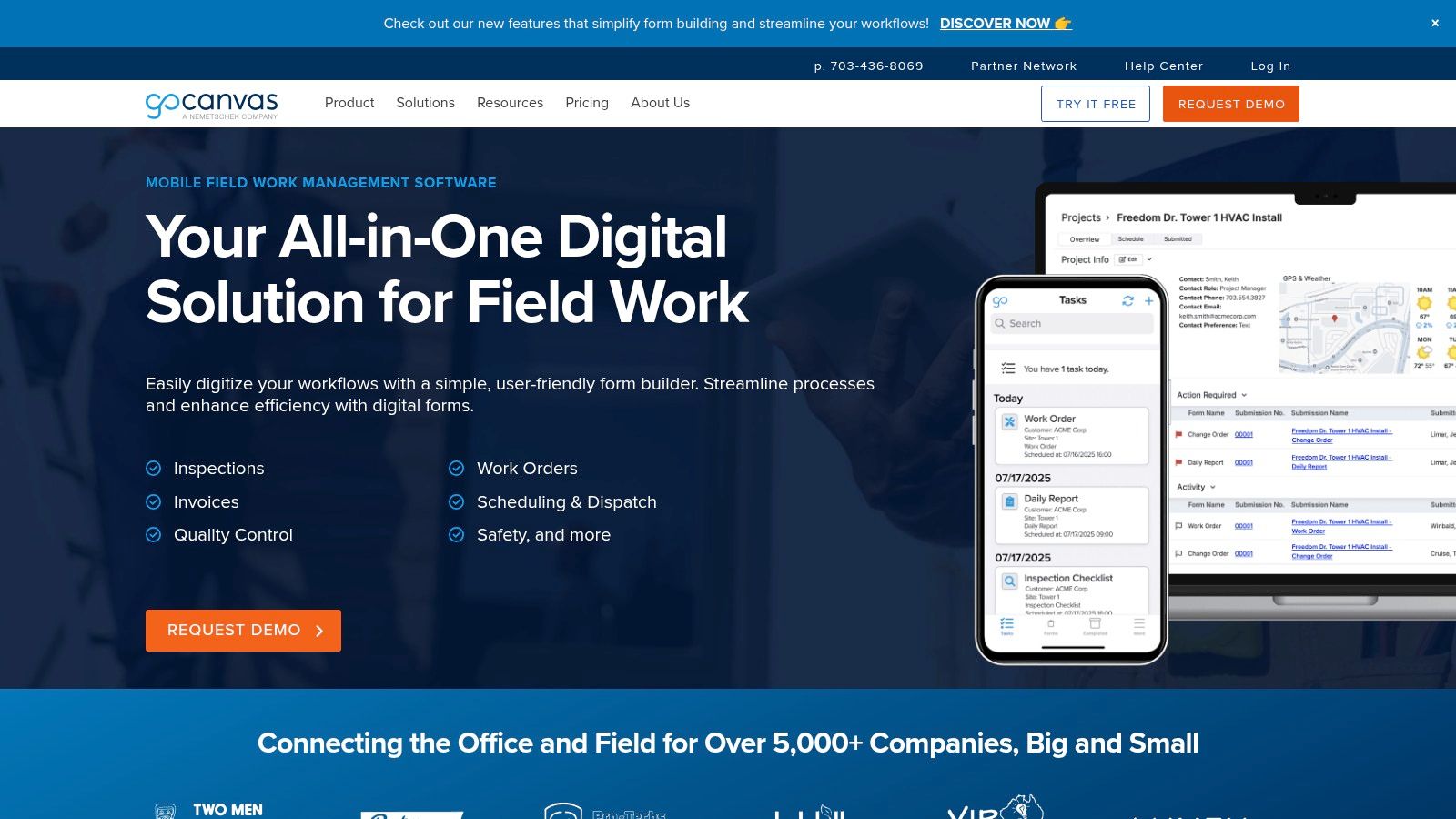
What makes GoCanvas special is its incredible flexibility. With a drag-and-drop builder, even non-technical users can create custom apps for specific workflows without programming knowledge. This focus on digitizing mobile processes makes GoCanvas unique paperless office software that goes far beyond pure document management in the office and boosts efficiency right at the source.
Strengths & Weaknesses at a Glance
Pros:
- Mobility: Perfect for field service through strong offline functionality and real-time data capture.
- Flexibility: The app builder enables the creation of highly customized forms for any industry.
- Efficiency: Drastically reduces paper consumption and accelerates data transmission from the field to the office.
Cons:
- Pricing model: Pricing is not transparent on the website, which complicates budget planning.
- Onboarding: Creating complex forms and workflows can require a certain learning curve at first.
Practical tip: Start with a simple but frequently used form, such as a timesheet or expense report, to learn how to use the form builder. Once your team has internalized the process, you can digitize more complex workflows like service reports or safety audits.
Website: https://www.gocanvas.com/
Feature Comparison of the 11 Leading Paperless Office Software
| Product | Core Features ✨ | User Experience ★ | Target Audience 👥 | Unique Selling Points 🏆 | Price/Value 💰 |
|---|---|---|---|---|---|
| innoGPT 🏆 | Automated text & content creation, AI assistants & multilingual | High productivity, easy to use | Companies of any size | Custom AI assistants, GDPR & EU hosting | Approx. €25/user/month, 7 days free |
| Papierlos.de | Document management, customer & contact management | Intuitive operation, flexible | SMEs | Data storage on German servers | Various packages, limited storage |
| sevDesk | Accounting, receipt recognition, interfaces | Easy, automated bookkeeping | Self-employed & small businesses | GoBD compliant, mobile app | Tiered pricing, advanced features |
| fileee | Digitization via app, OCR, cloud sync | User-friendly, mobile | Private & SMEs | Smartphone document scanning | Free / Premium version |
| ecoDMS | Audit-proof archiving, platform-independent | Easy, customizable | Companies of all sizes | One-time license, no cloud | One-time license costs |
| mysoftware.de | Wide software offering, instant download | Quick access, diverse | Office users, companies | Large software selection | Purchase prices, discounts |
| Staffomatic | Digital shift planning, vacation management | Reduces effort, automated updates | Personnel management | Focus on personnel management | Modular, price packages |
| Aktenplatz | Document management, automation | Versatile, efficient | Companies | GDPR compliant, automation | Not transparent |
| Paperless-ngx | Open source, OCR, full-text search | High customizability, community | Technically savvy users | Free, regularly updated | Free |
| PDFelement | PDF editing, digital signatures, OCR | User-friendly, comprehensive | Broad range | Cross-platform, OCR | Pro version paid |
| GoCanvas | Mobile forms, offline & real-time data capture | Boosts efficiency, industry-flexible | Field service & companies | Offline functionality | Price not public |
Conclusion: Your Path to a Paperless Office Starts Now
We've taken an impressive journey through the world of paperless office software and shed light on eleven powerful tools, from comprehensive document management systems like ecoDMS to specialized solutions like Staffomatic for personnel planning. The variety of options shows one thing clearly: the transition to a paperless office is no longer a distant vision of the future, but a tangible reality accessible to companies of any size.
The tools presented prove that digitization is far more than just scanning documents. It's about fundamentally rethinking processes, revolutionizing collaboration, and freeing up valuable time that would otherwise be lost searching for misplaced papers. Solutions like fileee and Paperless-ngx make intelligent document filing accessible to everyone, while platforms like sevDesk digitally map the entire accounting workflow.
Key Takeaways at a Glance
Choosing the right software is not a sprint but a strategic marathon. Your decision should be guided not only by current needs but should also account for future growth and changing requirements.
- Start small but think big: You don't have to overhaul your entire company overnight. Begin with one department or a specific process, such as incoming invoice processing or contract management. Success in one area will drive adoption across the entire company.
- Employee acceptance is the key: The best paperless office software is useless if your team doesn't embrace it. Involve your employees early in the selection process, offer comprehensive training, and highlight the concrete benefits for their daily work. Less searching, faster approvals, and mobile access are powerful arguments.
- Security and data protection first: Especially in Germany, the requirements for GDPR compliance and data security are extremely high. When choosing, pay attention to server locations in the EU, certified security standards, and clear data processing policies.
Your Next Step Toward Digital Efficiency
The path to a paperless office is an investment in the future viability, agility, and efficiency of your company. Take the time to analyze your specific pain points. Where does paper pile up the highest? Which processes are slowest and most error-prone? The answers to these questions are your starting point.
Set clear, measurable goals and evaluate the presented tools against these criteria. Use free trials to get a real feel for the user interface and feature scope. The decisive moment has arrived. Don't wait any longer — take the initiative and shape a workplace that is not only more efficient and sustainable but also more inspiring for your entire team. The digital transformation isn't waiting — start today!
Are you ready to digitize and intelligently connect not just your documents but your entire knowledge base? innoGPT acts as a central brain for your company, bringing together information from all your tools — including your paperless solutions — and making it instantly accessible via an intuitive AI search. Take your productivity to a new level and find answers instead of documents at innoGPT.
Weekly AI news in your inbox
New models, practical tips & expert insights — free for everyone.