On this page
The report is correct: OpenAI plans to discontinue Custom GPTs in ChatGPT on 11 December 2026. A later date applies to certain workspaces.
TLDR: According to the OpenAI Help Center, the planned discontinuation generally affects all ChatGPT plans. OpenAI intends plugins as the successor. However, not all components will be migrated automatically. So check early which workflows depend on your GPTs.
As of 10 November 2026, ChatGPT Custom GPTs have two relevant dates:
- On 11 December 2026, access to existing GPTs and their pages will normally end.
- For FedRAMP workspaces and Enterprise workspaces with an approved extension, 11 February 2027 applies.
An Enterprise plan does not guarantee an extension. Therefore, check which date has been confirmed for your workspace.
For example, your sales team uses a GPT to draft proposals and accesses stored product information in the process. If access is removed, you lose not just a chat window but an established workflow.
Simply copying the prompt is not enough to migrate.
In my view, anyone who has created Custom GPTs should review permissions and connections separately. For company knowledge, innoGPT is also an option you should assess based on your access and data protection requirements.
ChatGPT Custom GPTs are being discontinued
The discontinuation of Custom GPTs in ChatGPT is not a rumour. OpenAI has announced it. The date marks the planned end of the current GPT format, not the end of ChatGPT.
OpenAI announced the change on 11 September 2026. Since 26 October 2026, new GPTs can no longer be created in affected Enterprise workspaces. FedRAMP workspaces were exempt from this restriction.
The discontinuation of existing GPTs and the end of new GPT creation are two different dates.
Three distinctions help put this into context:
- The discontinuation affects existing GPTs and their pages on the applicable date.
- A creation restriction does not make existing GPTs disappear immediately.
- Migration to plugins is being rolled out gradually and is not available to all accounts at the same time.
Therefore, a missing migration button does not prove early discontinuation. According to the available information, existing OpenAI Custom GPTs remain usable until the applicable date. The prerequisite is appropriate permissions and workspace policies.
Even a plan page listing “GPTs” as a feature does not prove a later discontinuation date. Check the OpenAI Help Center and ask your workspace administrator for the confirmed date. In my view, an approved extension should be confirmed in writing.
Custom GPTs: What companies have used them for so far
Custom GPTs are tailored versions of ChatGPT. They use fixed instructions and optionally stored knowledge files for specific tasks. This meant teams did not have to re-enter requirements with every request.
In day-to-day work, a team defines which sources a GPT uses and how it structures responses. Some GPTs connect to Actions to retrieve information from external services.
Typical use cases show what is missing from a workflow when a GPT is removed:
- Sales: A GPT drafts proposals based on stored product information and a predefined structure.
- Human Resources: A GPT answers internal questions based on provided policies.
- Marketing: A GPT drafts copy according to defined language guidelines and checks it for specified terms.
The value of Custom GPTs lies in reusable instructions, not in the chat window.
Anyone using Custom GPTs must still review the results for accuracy. If a proposal draft contains an incorrect scope of services, the error may otherwise only be noticed by the customer.
In my view, the real value lies in the reusable instructions. If a stored policy is missing or a connected interface does not provide data, the GPT lacks the basis it needs.
innoGPT also connects AI models with company knowledge. For a team, what matters is which documents are available and who reviews answers before they are used.
Taking stock before migration
An inventory list shows which Custom GPTs your company uses and who is responsible for them. Create a separate row for each GPT rather than simply collecting names in ChatGPT.
To do this, speak with the relevant departments and administrators. Not every team uses the same workspace. Not every entry is visible to everyone.
- Record the name, link, workspace and purpose of each GPT.
- Document who created the GPT and who is professionally responsible for it.
- Capture knowledge files and their original data sources, such as an internal document folder.
- Document connected apps and Actions, including the interfaces they access.
- Check who has access and whether sensitive company data is being processed.
- Flag unpublished drafts and unresolved questions about responsibility.
For example, a GPT supports the IT help desk and retrieves information from a ticketing system via an Action. If that connection is missing later, the support workflow loses part of its foundation.
A missing connector affects not just one GPT, but part of the support workflow.
Prioritise according to the impact of an outage. Start with GPTs whose results are needed every day or that connect to external systems. A rarely used draft with no interface belongs further down the list.
Permissions and custom Actions from OpenAI Custom GPTs are not automatically transferred to plugins. Explicitly mark unresolved permissions as open rather than estimating them.
Creating Custom GPTs: What you should back up before the deadline
A copy of the instructions is not enough for migration. Also back up files, settings and test cases. This is the only way to rebuild and verify the workflow later.
If you are authorised to create Custom GPTs yourself or manage existing GPTs, open the relevant configuration. If you do not have access, ask the person who created it or an administrator for support.
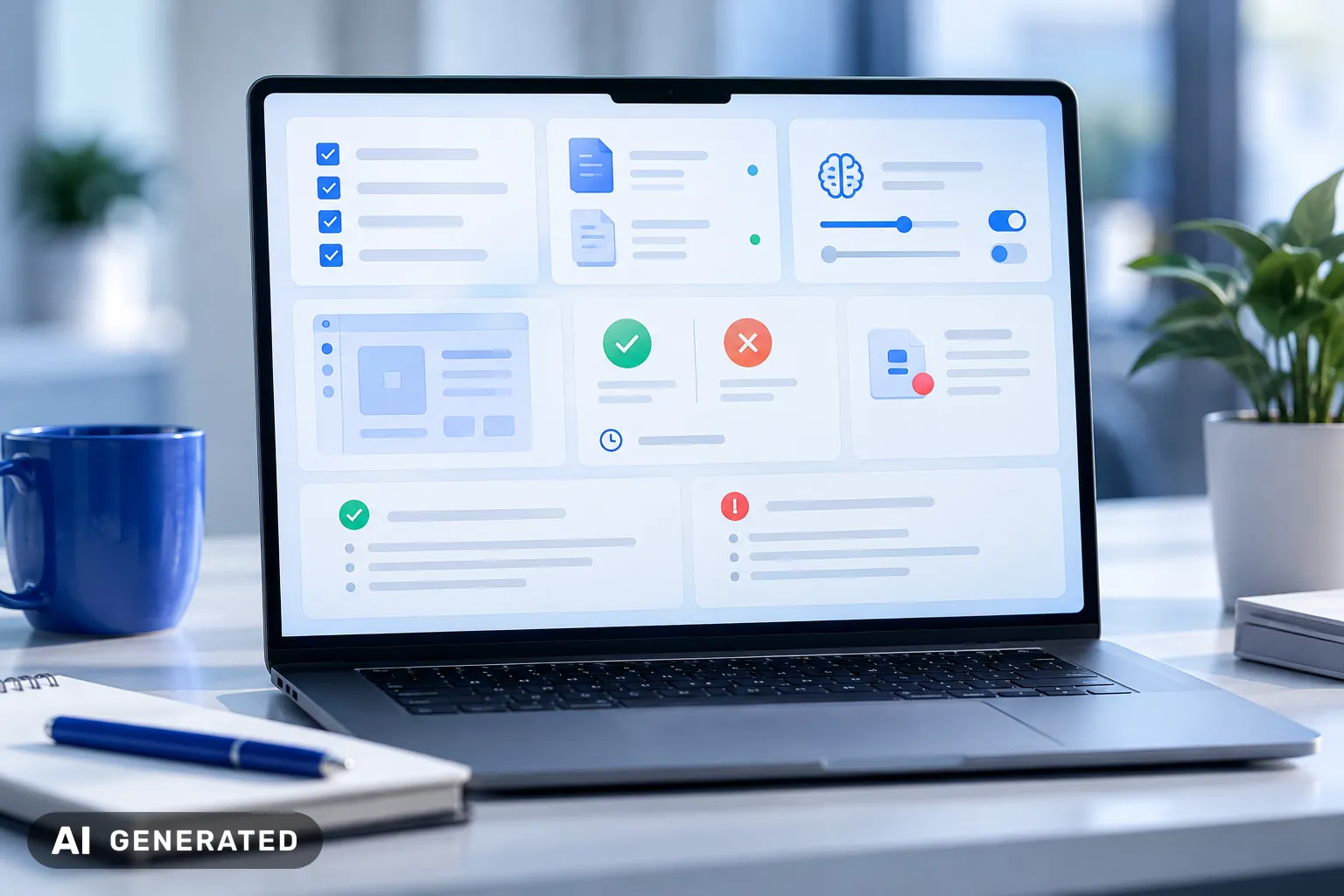
Create a secure storage location for each GPT. It should contain the following components:
- Instructions and prompts, including formatting requirements and rules for exceptions.
- Original knowledge files, along with details of the version and storage location of the source files.
- The selected model and the enabled features, where visible in the configuration.
- Actions with an interface description, purpose and required permissions, without access keys in plain text.
- Approvals, unpublished changes and differences from the published version.
- Test requests with expected results and examples of undesirable responses.
Instructions and knowledge files may be partially transferred to plugins. This does not replace your own backup. Drafts, the selected model and custom Actions are not transferred automatically.
Test the backup using a specific case. For example, ask about a travel policy and note which file should support the answer.
If the file or response specification is missing, the documentation is not yet complete.
Are ChatGPT chats saved, and what happens to the data?
Yes, ChatGPT saves chats. How long they are retained and what they are used for, depends on the account, settings and applicable agreements.
This also applies to text inputs and responses: they are part of the chat history. Check the retention rules and model-improvement settings for your workspace. Storage does not automatically mean that content is used for training.
With Custom GPTs, you should consider three types of data separately:
- Chats: Previous conversations do not automatically become part of the plugin.
- Chat files: Check files that users uploaded during a conversation separately.
- GPT knowledge: Knowledge files can be transferred during migration, but chat histories cannot.
According to the available information, existing conversations remain readable after shutdown. This neither guarantees that they will be available in the plugin nor that they will be stored indefinitely.
Example: your team discusses a draft contract in a GPT and uploads a file. Before migrating, clarify whether the conversation and file may be exported and where they must be stored.
A GPT that is no longer accessible does not automatically mean that all associated data has been deleted.
I consider the distinction between access and deletion crucial. Coordinate export, retention and deletion periods with your data protection department.
ChatGPT Custom GPT alternative for productive teams
There are three options for productive teams. The decision depends on who manages knowledge access and technical connections.
- OpenAI plugins are suitable if your team wants to continue working in ChatGPT.
- An AI platform such as innoGPT brings together company knowledge and AI models for multiple teams.
- A custom application is suitable for specialised workflows or integrations.
OpenAI Plugins
Plugins are suitable if your team wants to continue working in ChatGPT. According to OpenAI, instructions and knowledge files can be transferred during migration. Connected apps can also sometimes be transferred.
Custom Actions are not transferred automatically. Before deciding, check whether the required connections are available. The technical scope depends on the plugin features offered.
AI platform for businesses
An AI platform is suitable when multiple teams need to share company knowledge and AI models. innoGPT connects AI models with company knowledge. innoGPT supports teams with onboarding and implementation.
Check which data sources your use case requires. Also clarify how access rights are implemented. Ask to see the contractual terms for data processing and the costs of the required features.
Custom application via an API
A custom application offers the greatest flexibility. However, it requires development and ongoing operation. Your team determines how the application accesses documents and connects to other systems.
An existing Custom GPT does not automatically continue to run as an API application.
This option is suitable for specialised requirements relating to workflows or integrations. Instructions, knowledge access and connections must be recreated technically.
Plan migration without production downtime
A parallel operation reveals errors before your team depends on the new workflow. Test the new solution alongside the existing Custom GPTs. Switch over only after documented approval.
The switch takes place only once defined criteria have been met and approval has been documented.
- The business department selects a workflow and defines the results required for approval.
- IT sets up the target process and checks connections and access rights using suitable test accounts.
- Before testing, the data protection team checks which data may be used and which agreements apply.
- The team processes the same approved test cases in both solutions and documents any deviations.
- The responsible individuals decide on the switch based on the defined criteria.
For a quote draft, Sales checks whether mandatory information is included and product information is accurate. IT uses a restricted account to test whether protected documents actually remain hidden.
Connected systems require separate testing for side effects. First create tickets in a test environment. This prevents parallel operation from creating duplicate cases in the production system.
For the shutdown date, plan a fallback procedure. Once the Custom GPTs have ended, returning to the old GPT is not a reliable fallback. Therefore, keep a validated template for manual processing ready, for example.
During the introduction of innoGPT, the team provides onboarding support. Business approval and verification of data processing remain your company's responsibility.
Costly mistakes with OpenAI Custom GPTs
The most costly mistake is treating the migration of Custom GPTs as a complete copy. OpenAI does not automatically transfer all settings and connections.
A migration does not automatically transfer drafts, model selection, Actions or approvals.
- Overlooking drafts: Check unpublished changes separately, as the migration applies to the published version.
- Ignoring a model change: Document the current model and test the model in the target process.
- Copying Actions: Replace individually configured connections deliberately instead of waiting for them to be transferred automatically.
- Assuming approvals: Set up access again in the target system and document the decision.
An overlooked draft results in a migrated version without the latest business changes. Therefore, compare the draft with the published version. Only then should you publish or replace Custom GPTs.
A model change also requires separate testing. If a GPT categorises invoice line items, test edge cases with differently worded items. Identical instructions do not necessarily produce identical responses with a different model.
For Actions, check what data a connection transfers and what permissions it uses. A new connection requires appropriate credentials and business approval. The name of the old connection proves neither data transfer nor permissions.
In my view, responsibility should also be on the list of errors. According to OpenAI, only creators or authorised workspace administrators may carry out the migration. Check in good time who is actually permitted to perform the process.
FAQ on Custom GPTs and the shutdown
Conclusion
The shutdown of Custom GPTs puts your AI governanceto the test. What matters is whether your team can understand and operate workflows even without the previous GPT.
In my view, a viable replacement does not start with choosing a tool, but with clear responsibilities. For every production workflow, it must be clear who reviews it from a subject-matter perspective and makes decisions when problems arise. Without that person, it will remain unclear who is responsible for operations even after the technical migration.
A migrated GPT only becomes a viable replacement once the team has checked the results and access permissions.
Take a sales proposal draft as an example. The specialist department compares a draft from the previous GPT with the outcome of the new workflow.
- The specialist department checks whether both workflows access approved product information.
- The specialist department checks whether the statements are factually correct.
- Only then does the responsible person approve the new workflow.
For shared company knowledge, innoGPT is an option if you are looking for an AI platform with implementation and training support. Check in advance which data sources and permissions your team needs. A plugin is more likely to be sufficient if the workflow is meant to remain in ChatGPT and all required functions are available there.
Do not plan the transition only for the shutdown date. Document how your team will continue working if a connection or knowledge source fails after the switch.
Sources
About the author

Tim Geier
Tim & AIHe is a trained media manager working hands-on with AI: Tim helps companies roll out AI securely and GDPR-compliantly, turning complex AI topics into clear, actionable steps.
This article was written by Tim together with AI.
Weekly AI news in your inbox
New models, practical tips & expert insights — free for everyone.
Related articles
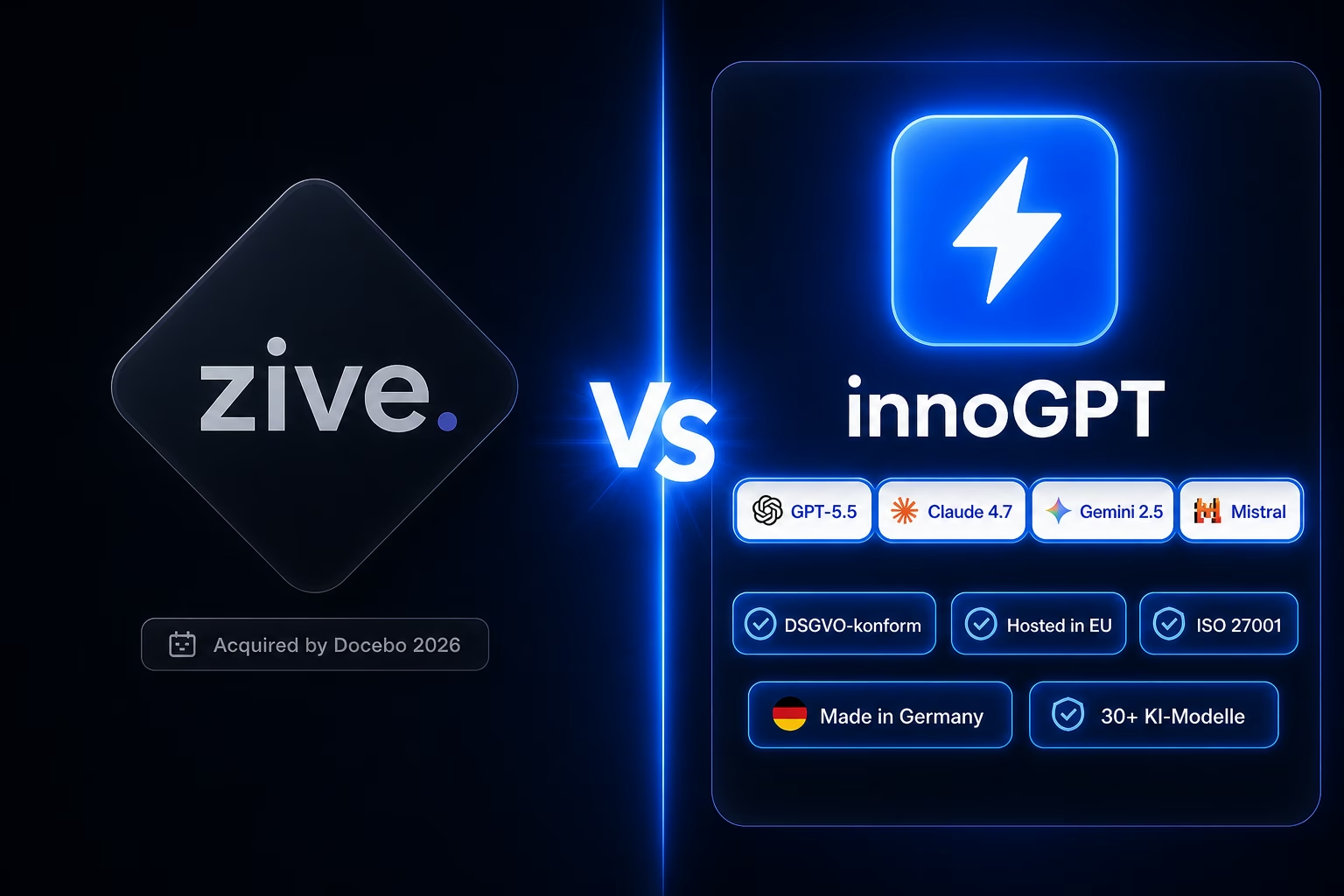
Zive alternative: innoGPT — workplace AI from Germany
Chat, knowledge base, search and tasks in one platform — bootstrapped, EU-hosted, ISO 27001-aligned.
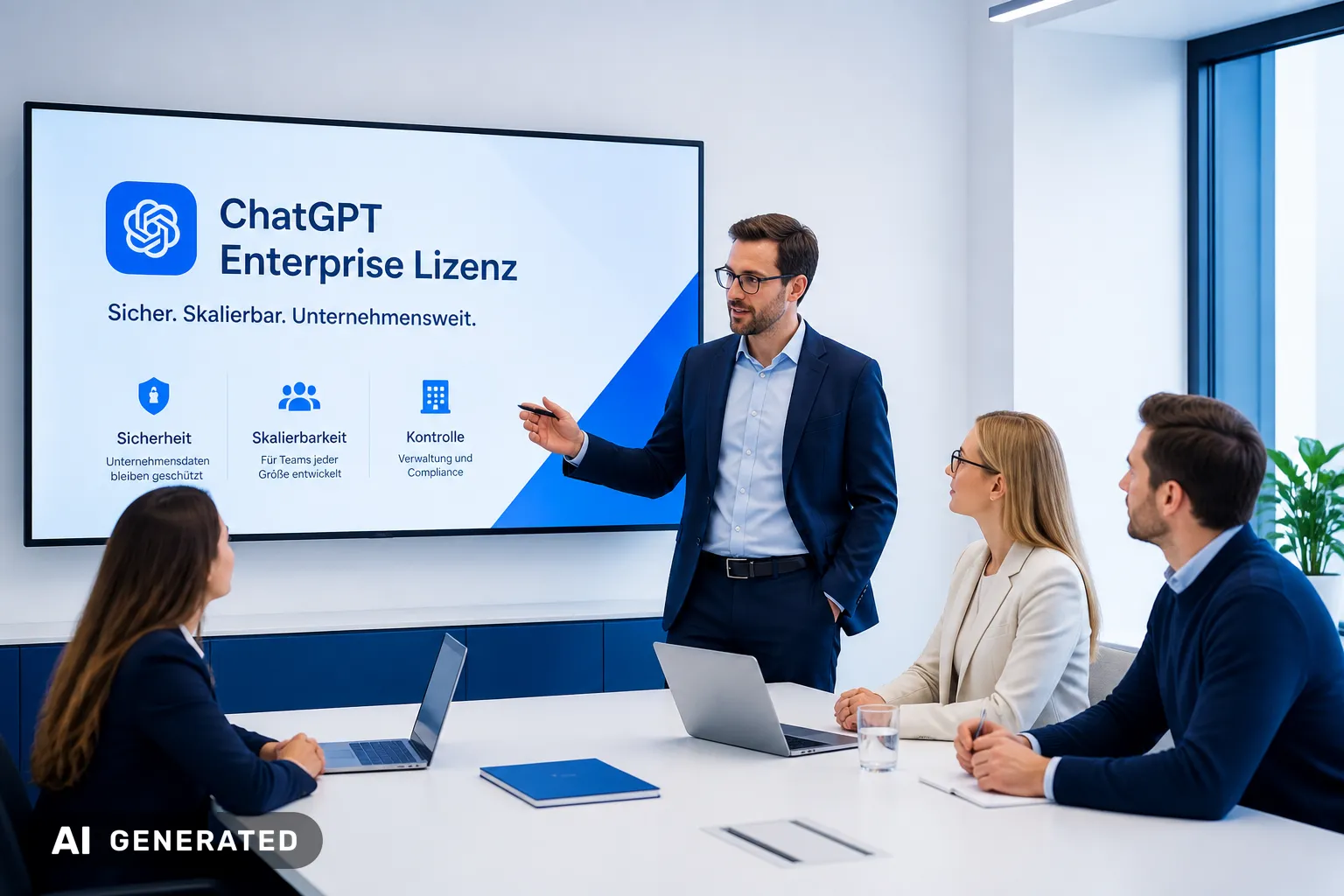
ChatGPT Enterprise Benefits for 150+ Seat Teams | innoGPT
ChatGPT Enterprise benefits are most relevant for large teams with 150+ seats. Explore costs and key advantages to assess fit for your business. Read now.

Writing Emails with ChatGPT: Work Efficiently in 2026
Use ChatGPT to write emails efficiently in 2026. Discover the benefits and tips for your company. Read more now!